Video Telematics vs. Dash Cams for Fleets in 2026
21 Nov 2026
driver coaching


Products
Solutions
Resources
Company
Pricing
Products
Improve fleet safety, reduce operating costs, and optimize field performance with an easy-to-use platform for video, GPS tracking, driver coaching, maintenance, asset tracking, and real-time fleet insights.
Solutions
Drive your total fleet operations with SureCam’s all-in-one video telematics solution.
Resources
Valuable guides, case studies, and videos to help you optimize fleet management, safety, and productivity with telematics solutions.
Company
Values, job opportunities, and ways to connect or partner with SureCam.
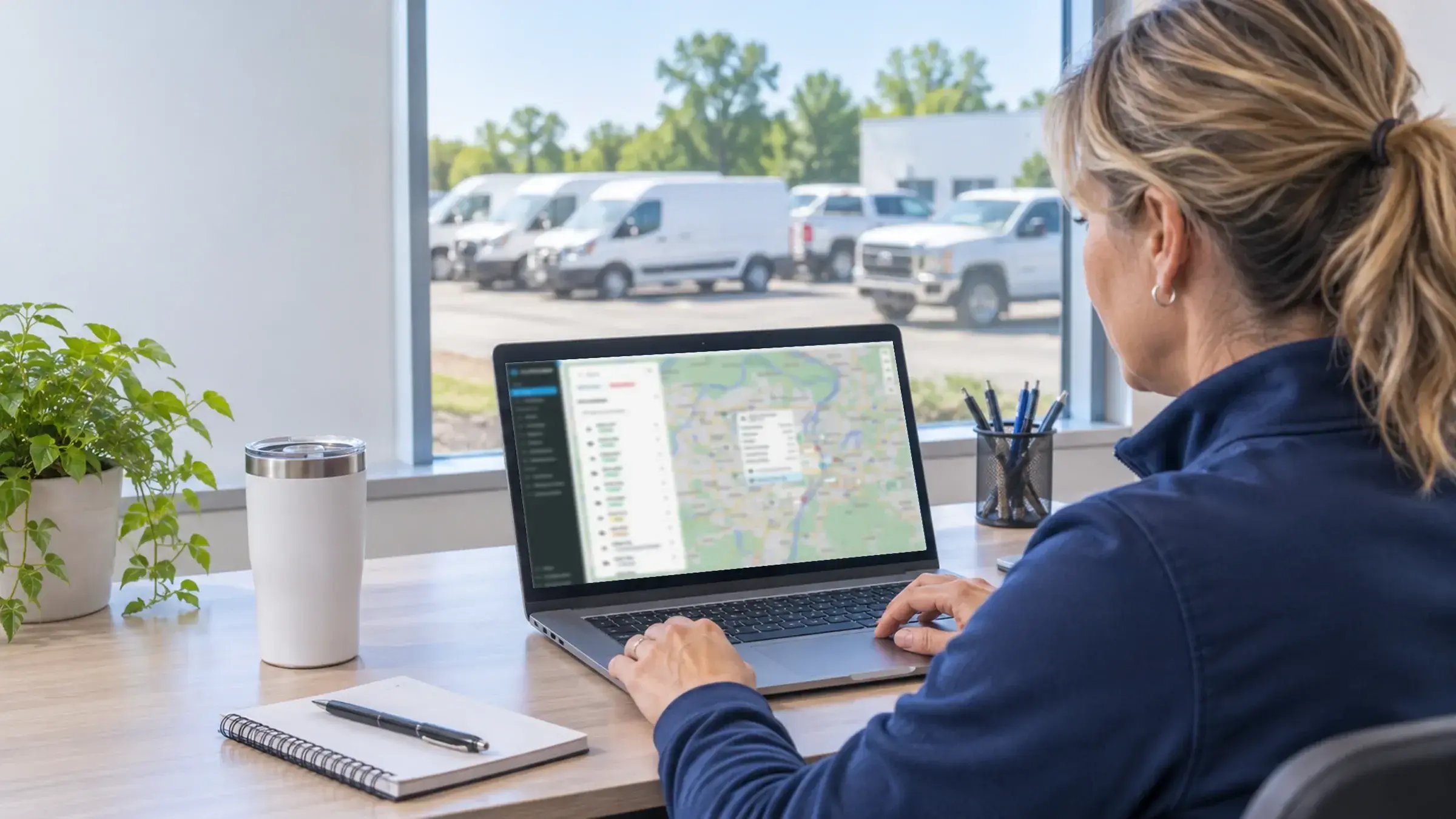


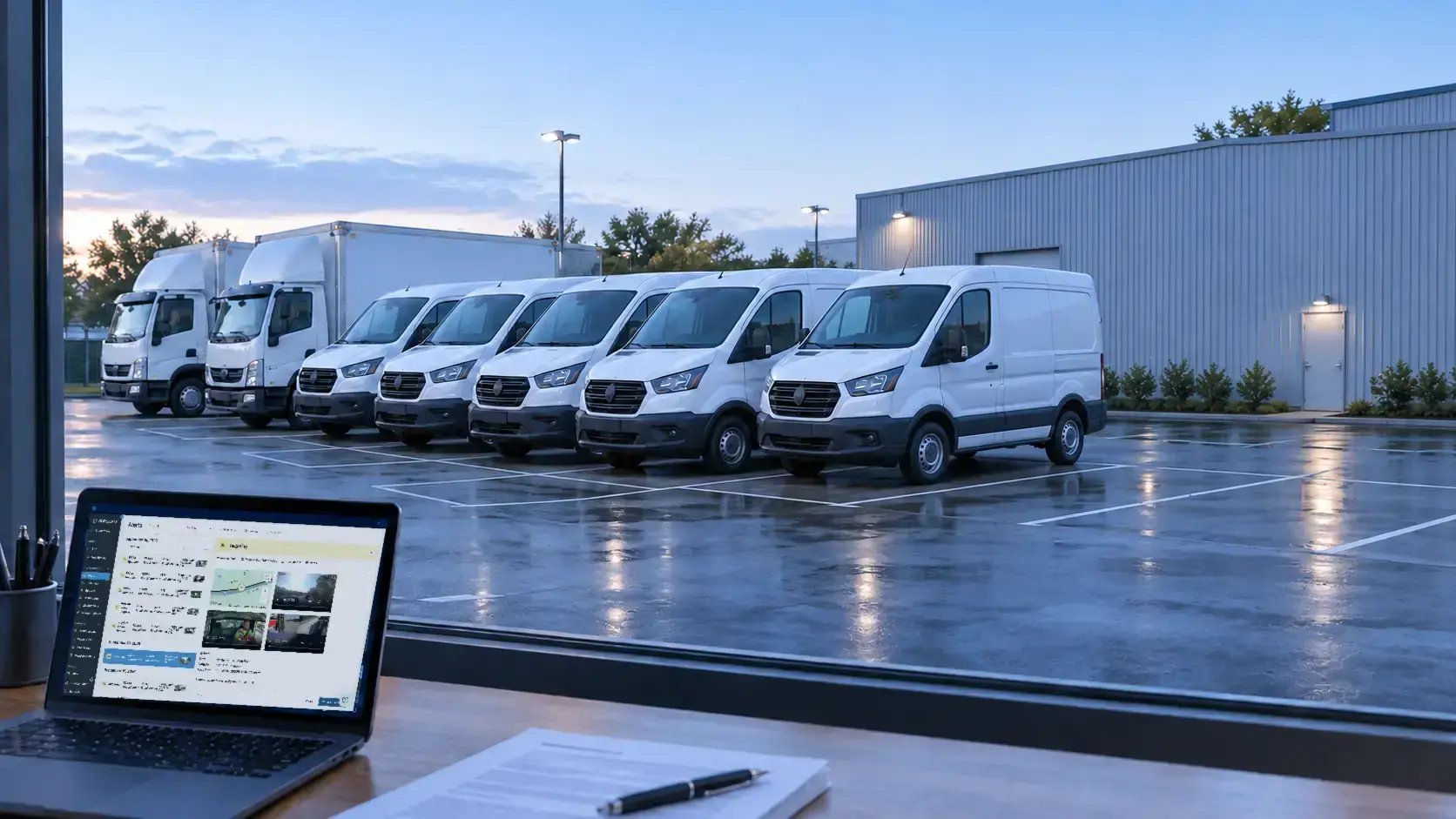
A standalone dash cam records footage to local storage. A video telematics platform connects that footage to location data, flagged events, driver coaching and evidence workflows. The right choice depends on what a fleet needs to do with footage after a camera captures it, not on whether a camera sits behind the windshield.
Both categories record video, and both can document what happened on the road. The gap shows up afterward, when someone needs the clip from a specific vehicle on a specific afternoon, and the answer either sits on an SD card in a van across town or arrives in a browser. This guide compares the two categories, including the situations where a standalone camera does the job well.
A standalone dash cam means a consumer-grade or hardware-only camera that records to an SD card. Video telematics means purpose-built commercial cameras plus cloud access, GPS context, event detection and coaching in one platform. The first category captures footage. The second manages it.
Cost structure follows the same split. A standalone camera usually carries a one-time hardware purchase, while a connected fleet dash cam pairs hardware with a subscription that covers cloud storage, software and support. For budgeting details, see the fleet dash cam cost guide.
Standalone dash cams and video telematics platforms both record. They diverge on what happens next: retrieval, review, context, and sharing. The table below compares the two categories across ten points so a buyer can see which differences matter for the work the fleet does with footage.
| Comparison point | Standalone dash cam | Video telematics platform |
|---|---|---|
| Recording | Continuous or loop recording to an SD card | Continuous recording on the device, plus cloud storage |
| Where footage lives and how it gets retrieved | On the card in the vehicle; someone collects it | On the device and in the cloud, reachable without the vehicle returning |
| Event detection and flagging | Often an impact trigger at most | Flagged events can send automatically to a user (auto-send can be switched on or off) |
| GPS and location context | Limited or absent | Live tracking, trip history, geofencing and arrival and departure tracking beside the video (GPS with video guide) |
| Live video access | Typically recorded-only | Live view for verifying an incident or checking on a driver after an alert |
| Driver coaching | Manual review of files | Flagged clips feed a coaching loop; some platforms connect to programs such as SambaSafety |
| Driver privacy controls | Varies by device | Privacy mode or lens shutter, audio settings and role-based access |
| Sharing footage as evidence | Copy files from the card and send them | Share clips with location and event context from one record |
| Multi-camera options | Varies by device | Several cameras under one account. SureCam Vantage is a multicamera system with 1 TB of on-device storage that meets UK DVS, FORS and CLOCS requirements. |
| Equipment and asset visibility | Covers the vehicle only | Can extend to equipment and asset tracking in the same platform |
Live video access gives an authorized user a current view from a vehicle camera. Fleets use it to verify an incident, check on a driver after an alert, and supervise a job remotely. It does not turn a camera into a monitoring screen, and recorded footage stays on the device whether anyone looks live or not.
Recorded-only still serves documentation well. The practical difference concerns timing. After a collision, a manager with live access can confirm what happened and whether the driver needs help, while the situation unfolds instead of waiting for the vehicle to return. Remote supervision of a job, such as confirming that a crew has reached the right site, counts as a narrower and more routine use than watching a driver. A written policy that states when live access applies gives drivers something concrete to accept.
A standalone dash cam fits when the need stays simple: one vehicle, documentation only and nobody assigned to review footage. In that situation a recording on an SD card answers the question when something happens, and a connected platform would add cost and software the operation would not use.
The picture changes when anyone else needs the footage, when events call for review instead of occasional retrieval, or when drivers and managers work in different places. Those conditions describe an operation with a workflow, and a workflow needs footage that can travel.
Many operations start with a standalone camera and stay there. A camera that protects one driver's record and usually carries no subscription solves a real problem, so the honest test remains whether anyone will review the footage once it exists.
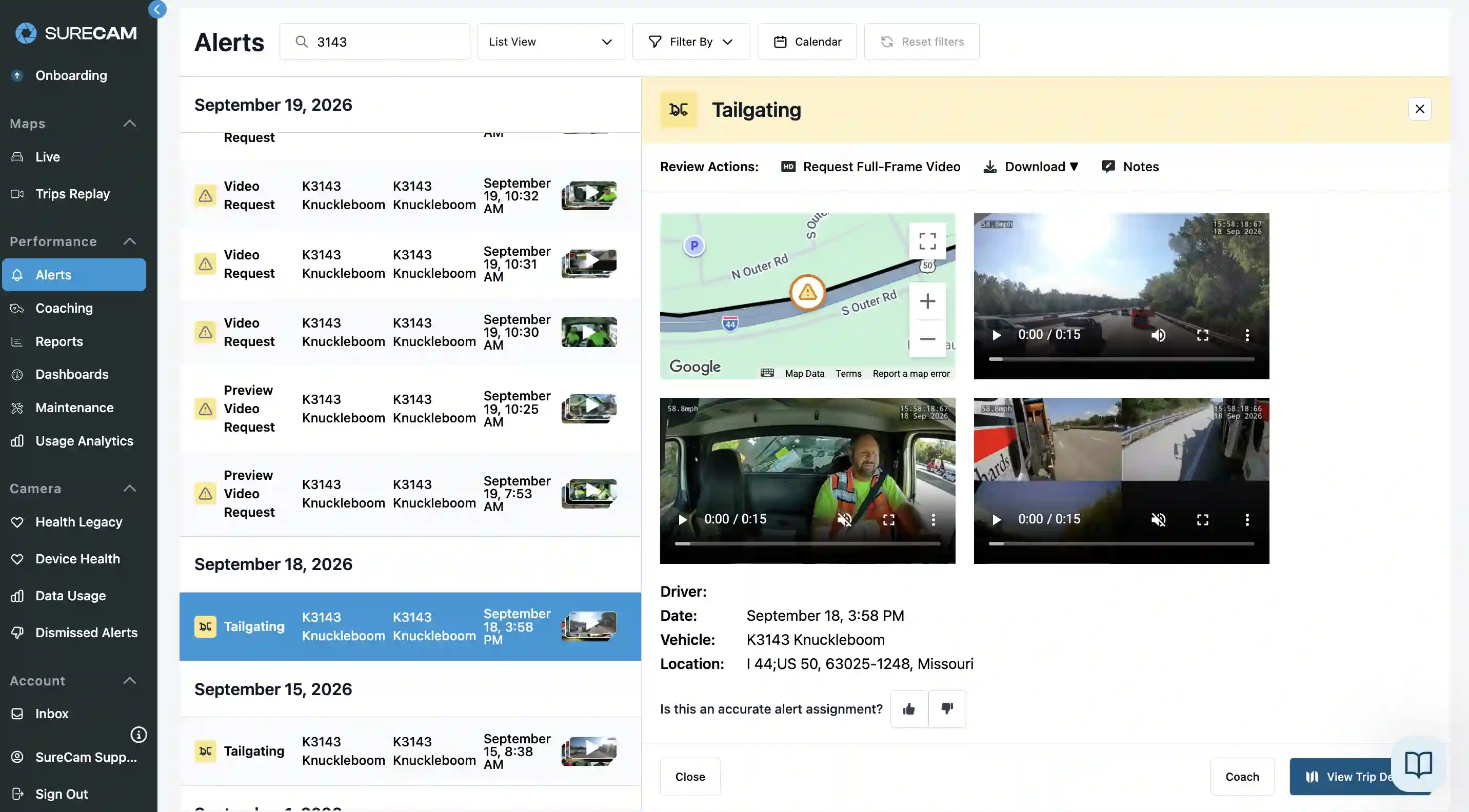
Four things change when a camera joins a platform. Flagged events reach the right person automatically instead of someone scrubbing SD cards. Review feeds a coaching loop. Footage pairs with location for claim disputes. Footage also becomes reachable without the vehicle returning to a depot.
Krispy Kreme UK weighed SD-card cameras against network-connected cameras for its delivery fleet and chose the connected route. Ben Povey, the company's Logistics Manager, said the choice gave the team "a live view of any incidents" (see the Krispy Kreme UK case study).
In a coaching loop, a flagged clip reaches a safety manager, who reviews it and talks with the driver, and the next flagged clip shows whether anything changed. A standalone camera can support the same conversation, but only after someone finds the clip.
Location-stamped footage supports claim defense and documentation, because a clip that shows where and when an event happened carries more context than a file with a timestamp alone. Questions about how cameras relate to premiums belong in a conversation with a broker, and the guide Does a Dash Cam Lower Commercial Fleet Insurance? covers that ground.
Hardware shapes everything built on top of it. A purpose-built commercial camera running the vendor's own firmware gives that vendor control over recording behavior, updates and support, while generic hardware or a consumer camera depends on a manufacturer that designed the device for another job.
SureCam makes its own cameras and runs them on its own firmware, deployed with thousands of fleets across the US, Canada and the UK. That approach puts commercial-grade cameras inside a video-first fleet management platform, so the camera and the software that manages it come from the same company. Any buyer can apply the same test to any vendor: ask who writes the firmware and who updates it.
Drivers accept cameras more readily when the controls, the access rules and the purpose get explained up front. SureCam's driver-facing controls include a privacy mode or lens shutter, audio off by default and role-based access to footage, which lets a fleet limit who can open a clip. That last control matters because the person who coaches drivers rarely needs the same access as the person who handles claims.
Notice and consent rules for driver-facing cameras and audio vary by jurisdiction, so fleets should check local requirements before installing cameras and before enabling audio. A short written policy that states what the cameras record, who can view footage and when live access applies gives drivers a clear reference instead of rumor.
Four beliefs come up repeatedly when fleets compare the two categories. Each one treats the camera as the whole decision, when the real decision concerns what happens to footage after capture. The corrections below keep the comparison grounded in how fleets use video.
"I can always pull the footage later." That holds only while the footage still exists and someone can reach the device. Local storage has finite capacity, devices can take damage or lose a card, and retrieval needs both the vehicle and a person. Platforms that pair on-device storage with cloud storage keep the record from depending on one SD card.
"Video telematics is a dash cam with GPS bolted on." Bolting GPS onto a camera produces a file with a location stamp. A platform connects event detection, location, live access, coaching and sharing in one system, so each part uses the others' data.
"Live video means managers watch drivers all day." Live access exists to verify an incident, check on a driver after an alert and supervise a job. It does not serve as continuous monitoring, and cameras record to the device whether or not anyone looks live.
"Platforms only suit complex enterprise operations." Fit follows what the fleet needs to do with footage. Field service, construction, trades and delivery operations that need remote retrieval, event review or coaching share the same need. Operational complexity, meaning how many people touch footage and how quickly they need answers, drives the decision more than company type.
Seven questions sort most buying decisions. Answer them for the operation as it runs today, then compare each answer against what a standalone camera and a platform can provide. Several yeses point toward a platform; a clear no across the list points toward a standalone camera.
These answers cover the questions fleets ask most often when choosing between a standalone dash cam and a video telematics platform. Each answer stands alone, so a reader can jump straight to the one that matches the decision at hand.
What is video telematics? Video telematics combines purpose-built commercial cameras with cloud access, GPS context, event detection and coaching in one platform. The camera records, and the platform turns recordings into flagged events, location-stamped clips and review workflows, which makes it a cloud-connected fleet camera system rather than a storage device.
Do I need video telematics or just a dash cam? A standalone dash cam suffices for one vehicle where footage serves documentation only, and no one reviews it. A platform fits when several people need footage, events need review, or clips must arrive without the vehicle returning.
How does live fleet dash cam footage differ from recorded footage? Recorded footage sits on the device and on a platform also in the cloud, for review after the fact. Live video gives an authorized user a current view to verify an incident or check on a driver after an alert. Recording continues on the device either way.
How does a commercial dash cam differ from a consumer dash cam? A commercial camera comes purpose-built for fleet use, with the vendor controlling the firmware and the cloud connection. A consumer camera targets private drivers and typically records to an SD card.
Does an AI dash cam differ from a standard fleet dash cam? An AI-assisted camera detects events and flags them for review, while a standard camera records without flagging. Detection matters most when someone needs to find the few moments that deserve attention among hours of footage.
Can fleets use driver-facing cameras everywhere? Notice and consent rules vary by jurisdiction. Fleets should check local requirements and set a written policy before installing driver-facing cameras or enabling audio.
SureCam pairs commercial-grade cameras with a video-first fleet management platform, so footage, location and coaching live in one place. To see how that approach fits a specific operation, talk with the SureCam team.