What Peak-Season Readiness Means for Delivery Dash Cam Programs
A peak-season-ready delivery fleet safety program starts with cameras online, event settings aligned to current conditions, drivers who understand how to report incidents, and a review team prepared for higher volume. From October through December, delivery fleets face all of these pressures at once: more stops, unfamiliar routes, seasonal drivers, and less time to respond when a complaint or incident occurs.
Readiness is not about collecting more footage. It is about confirming that the team can find useful video quickly, support drivers with documented context, and follow a consistent process when something happens under pressure.
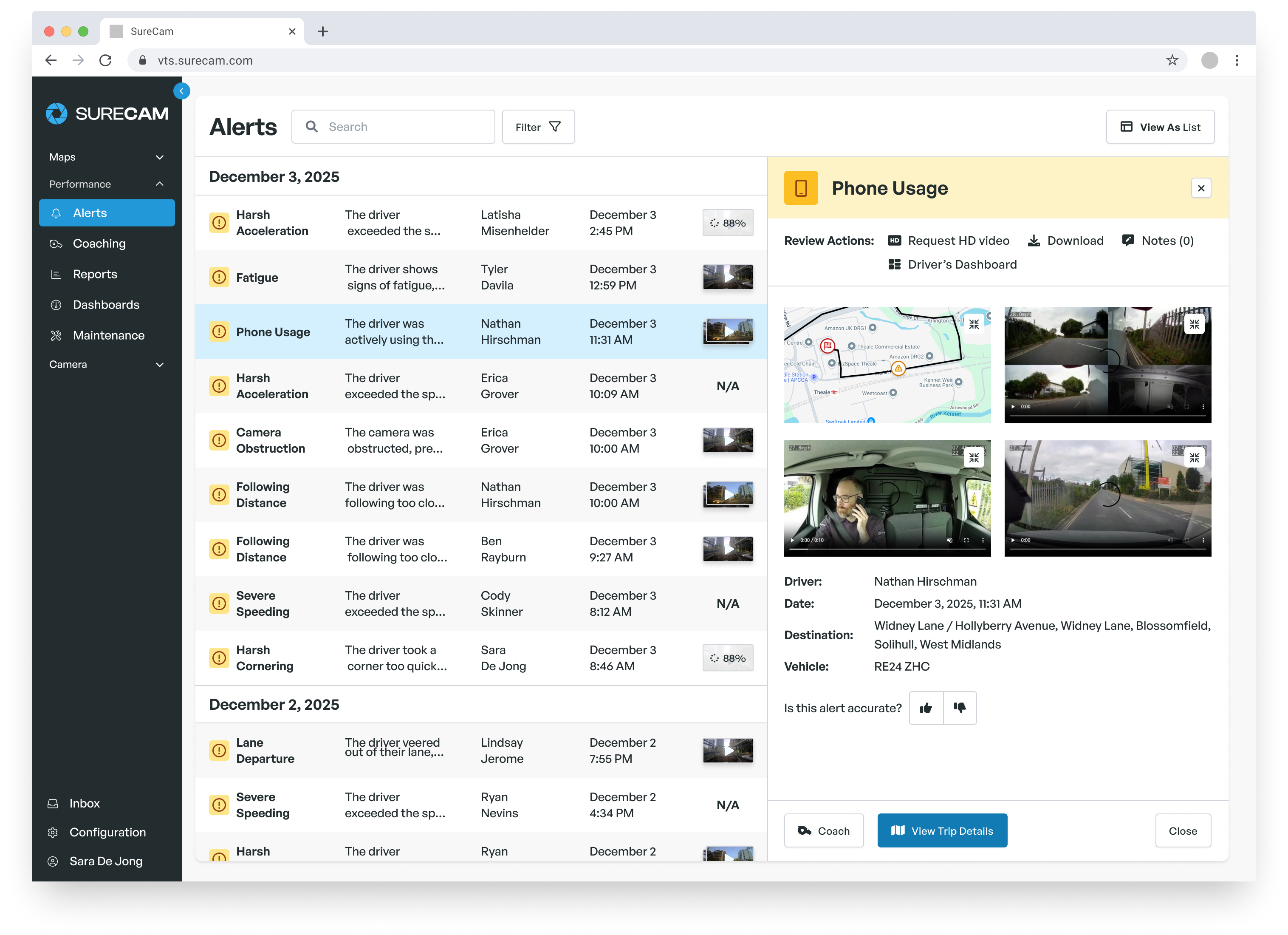
The connection between ready systems and real outcomes runs directly. Ben Povey, Logistics Manager at Krispy Kreme UK, reported an 80% drop in incident and accident frequency and a 40% reduction in paid motor fleet claims over six months after deploying network-connected cameras across the company's national delivery fleet. Immediate video access without driver-side card retrieval proved central to managing incidents at the scale of a multi-hub national operation.
Audit Devices and Assignments Before Routes Change
Most delivery dash cam programs run without significant issue at normal volume. Problems surface when event rates climb and review gaps that were easy to work around suddenly require immediate attention. A practical audit before peak season reduces the chance that a camera goes offline, an alert sits unreviewed, or a footage request fails when the timing matters most.
Review Camera Health and Vehicle Records
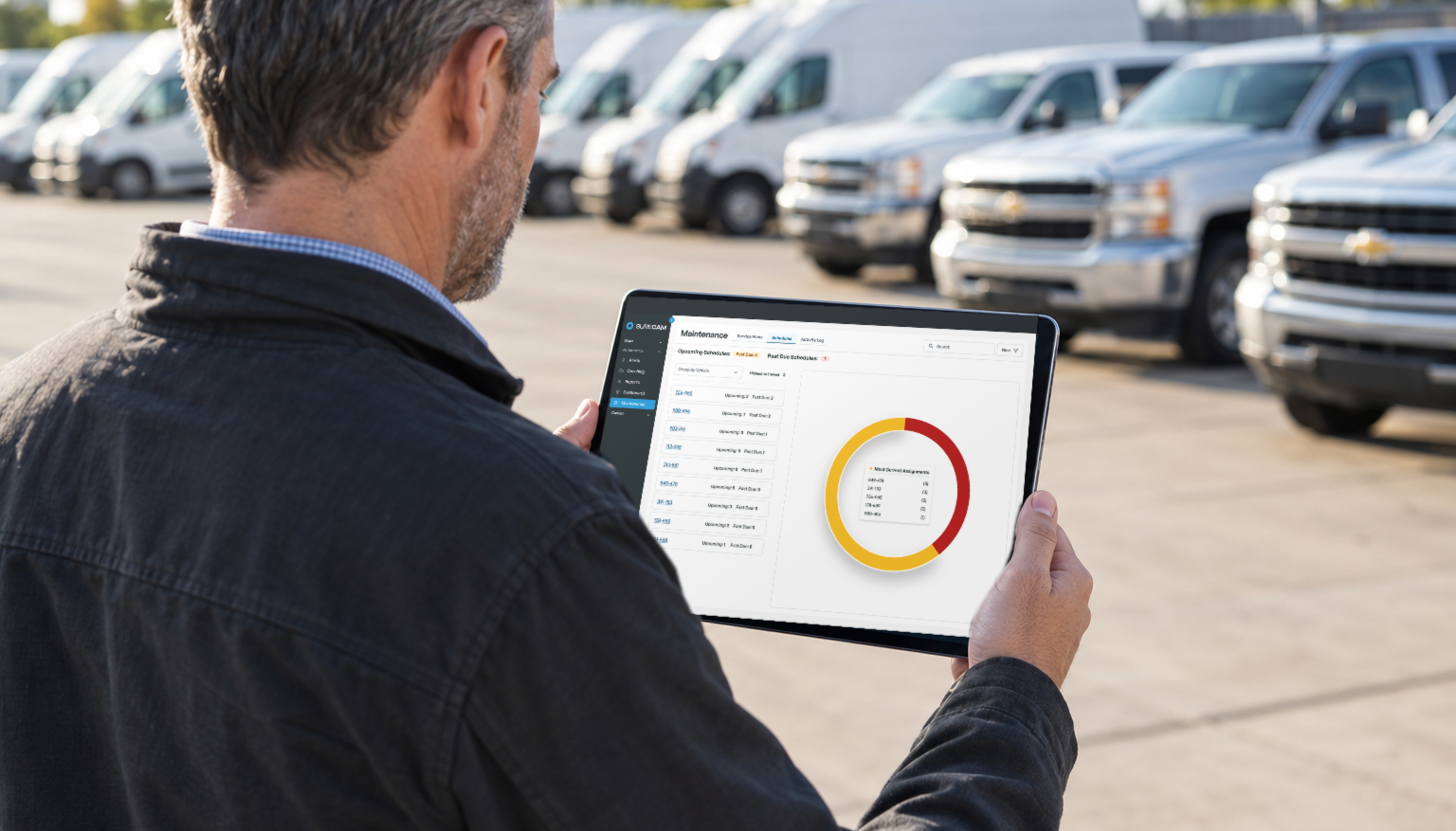
Camera health checks cover connectivity, recent upload activity, and mounting condition. A camera that has not uploaded in two or more days warrants investigation before it carries higher route volume. Units with flagged mounting issues or a blocked field of view need attention before fleet composition changes.
Vehicle and driver assignment records carry equal importance. Seasonal route shifts often move drivers between vehicles, and assignments that reflected September operations may not match November reality. Confirm that GPS permissions and live-video access remain current for every dispatcher, safety manager, or operations leader who needs footage access during the busy window.
A useful readiness test: ask a reviewer to retrieve a recent event from start to finish. Have them locate the footage, confirm the driver and vehicle, review the clip with GPS context, and share it through the approved internal process. Any friction or delay in that walkthrough signals a gap worth addressing before volume rises.
Confirm Event Settings Match Your Delivery Conditions
Event settings that fit summer-route patterns may not fit December conditions. Dense urban routes with more frequent starts, stops, and pedestrian crossings generate more harsh-braking alerts than longer highway runs. That does not mean every alert requires action, but the review process should fit the actual work drivers are doing.
Review the alert categories currently active: harsh braking, speeding, close following, distracted driving, mobile-device use, collision-related triggers, or manually triggered recordings. The right configuration varies by vehicle type, route density, driver experience, and internal safety priorities. Changes made before peak volume arrives are easier to calibrate than changes made mid-season under pressure.
Road-facing and driver-facing settings, GPS context, and user access permissions should all match current policies. If policies updated during the year and camera configuration did not follow, the pre-season audit is the time to reconcile them.
Prioritize the Footage That Matters Most
When alert volume rises, an undifferentiated queue slows review and makes it harder to act quickly on the events that actually need attention. A clear review hierarchy keeps the most urgent footage at the top and reduces the chance that a critical clip waits behind lower-priority alerts.
A practical structure organizes events into three tiers:
- Immediate review: collision-related events, serious customer complaints, severe speeding, or any event requiring direct driver support
- Scheduled review: events handled within a defined internal timeframe based on team capacity
- Coaching and trend review: footage used for driver development and route-level safety analysis
Escalated events, such as footage requested by leadership, a claims team, or an insurer, should have a named owner and a documented path that does not depend on a single person being available.
Set a Clear Review Hierarchy
A review hierarchy works only when it lives in a written document, not an informal shared understanding. When dispatch, safety, and operations staff each assume someone else is handling a flagged event, it goes unhandled. A documented workflow names who receives the initial report, who retrieves the footage, who confirms vehicle and driver details, and who speaks with the driver when the event warrants a follow-up.
That clarity matters on a normal Tuesday. It matters significantly more in the second week of December when route volume and customer expectations both peak. Seasonal and newly onboarded drivers often require more frequent review attention during their first weeks on active routes, which means confirming review capacity as part of the pre-season audit rather than leaving it for later.
Align Retention Practices with Policy and Risk
The people handling incident review should know how long footage stays available, what event types preserve a recording, and who holds authority to retrieve or share clips. Those questions become harder to answer under pressure when a complaint arrives two weeks after the delivery date, and the footage is no longer accessible.
Review retention settings, sharing permissions, and access controls with policy owners and legal or insurance stakeholders before peak season begins. Confirm that system settings match current written policies. Gaps between system configuration and documented policy create liability exposure and slow legitimate retrieval when timing is short.
Prepare Drivers and Managers Before Volume Rises
A brief pre-season conversation with drivers reduces confusion when something happens mid-route during the busiest weeks. Drivers should understand what cameras capture, how to report an incident, who reviews footage, and how video can document context that protects them when they are not at fault.
Keep the message operational. Drivers running heavier stop counts or unfamiliar routes face different pressures than those on familiar daily loops. Video provides a documented record of road conditions, decision points, and the circumstances surrounding an incident, which supports fairer review when a manager has full context rather than a brief report written after the fact.
Brief Drivers on Incident Reporting and Video Context
The incident-reporting process should not be something a driver figures out for the first time mid-route. Before volume rises, confirm every driver knows what to do after an incident or customer complaint, who their first contact is, and what information the company needs from them. For seasonal drivers new to the operation, a short written summary of the process reduces the chance of gaps in the account later.
Video works most effectively when drivers understand it as a tool that documents reality for their protection, not a system that monitors their performance against them. Fleets that communicate this clearly tend to see more candid initial incident reports, more complete documentation, and less friction when footage review follows.
Give Managers a Consistent Coaching Workflow
A coaching conversation grounded in footage is more specific and more defensible than one based solely on a written incident report. Managers should approach each session with the event, the driving conditions at the time, the decision involved, and the agreed next step as the working framework. Video provides the documented conditions. The conversation provides the coaching direction.
Confirm that managers have the time and a defined process to conduct these conversations consistently during the peak window. If one person handles event review and coaching for a moderate driver count under normal conditions, adding seasonal staff or compressed timelines may require additional reviewers, a narrower coaching scope, or clearer escalation rules for the duration of peak season.
Connect Video, GPS, and Incident Review Workflows
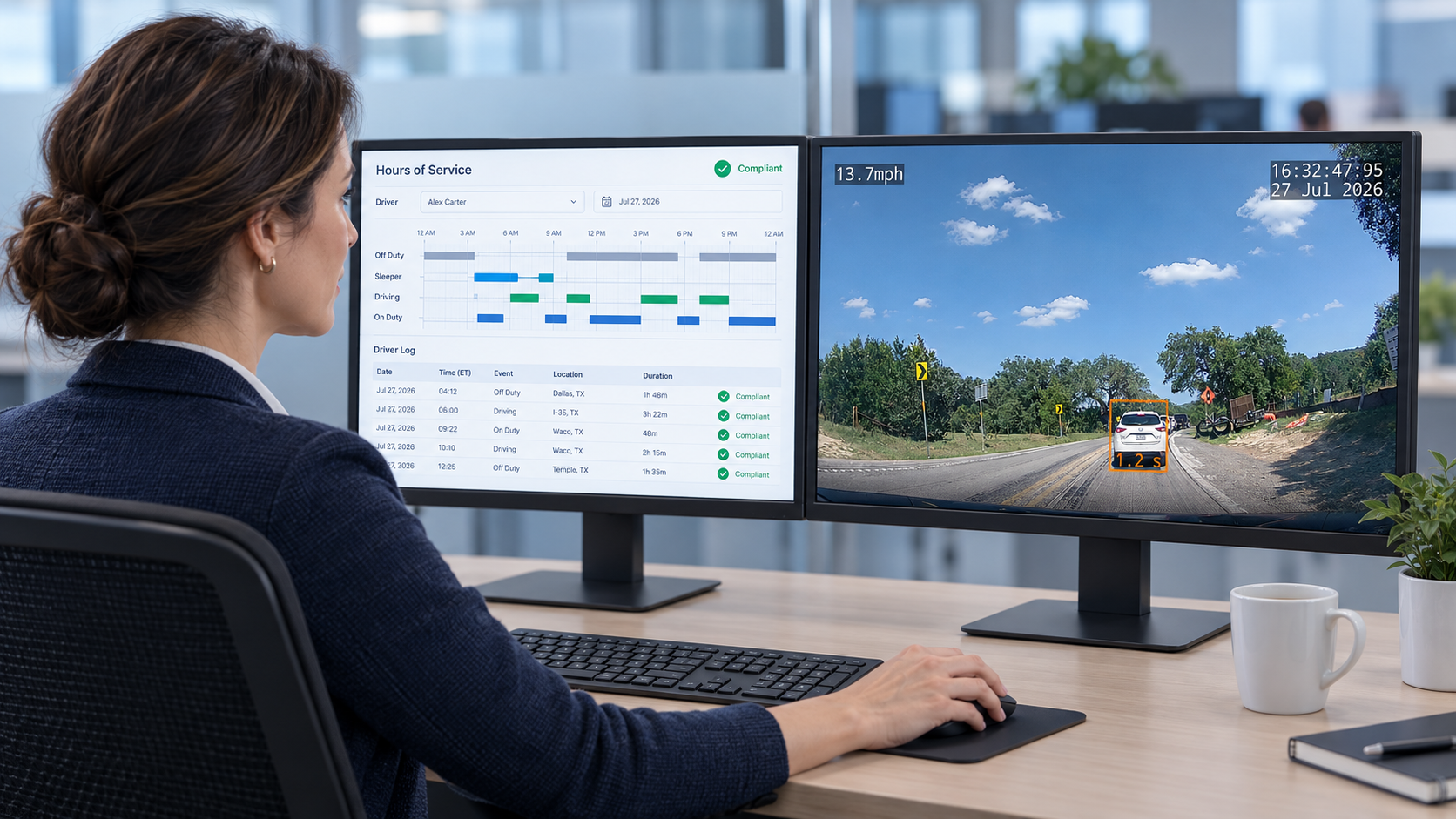
Video becomes significantly more useful when incident review combines it with the operational data the team already tracks. GPS location, route history, vehicle details, and driver assignments reduce the manual work of reconstructing what happened during a complaint or incident. Reviewed together, they let the team build a faster, more complete account without paging through reports from multiple systems.
Document the incident-review workflow before the first seasonal spike. Every participant should know their role: who receives the initial report, who retrieves the footage, who confirms the vehicle and driver, who speaks with the driver, and who shares information with authorized internal or external parties. A written workflow prevents duplicate effort when dispatch, safety, operations, and insurance-related contacts all need answers under time pressure.
Fleets using GPS tracking, ELDs, dispatch tools, maintenance systems, or other telematics platforms should validate how those systems hand off data to the incident-review process. The goal is not to consolidate every tool into a single dashboard. It is to confirm that video and location context are accessible and coordinated when the review window is short.
Frequently Asked Questions
What should delivery fleets check before peak season?
Camera health, vehicle and driver assignment accuracy, connectivity, mounting condition, event settings, user permissions, and incident-review workflows all warrant pre-season verification. A useful readiness test is asking a reviewer to retrieve a recent event from start to finish and note any point where the process stalls.
How long should fleets retain dash cam footage?
Retention periods should follow the company's documented policies, system settings, and any applicable legal or insurance requirements. Teams should know what event types preserve a recording, how long footage remains available after that, and who holds authority to retrieve or share a clip.
Who should review delivery driver dash cam events?
Event type determines the appropriate reviewer. Dispatch may need access for active operational issues, while safety managers handle coaching and trend analysis. Collision-related events and serious complaints should have a named reviewer and a documented escalation path that does not depend on a single person being available.
How does video combined with GPS support incident review?
Video provides visual context for what happened on the road. GPS confirms location, route activity, vehicle details, and timing. Reviewing both together lets a safety or operations team build a faster, more complete account of an incident and respond with consistent information when delivery schedules are already under pressure.