Choosing the Right Video Telematics System
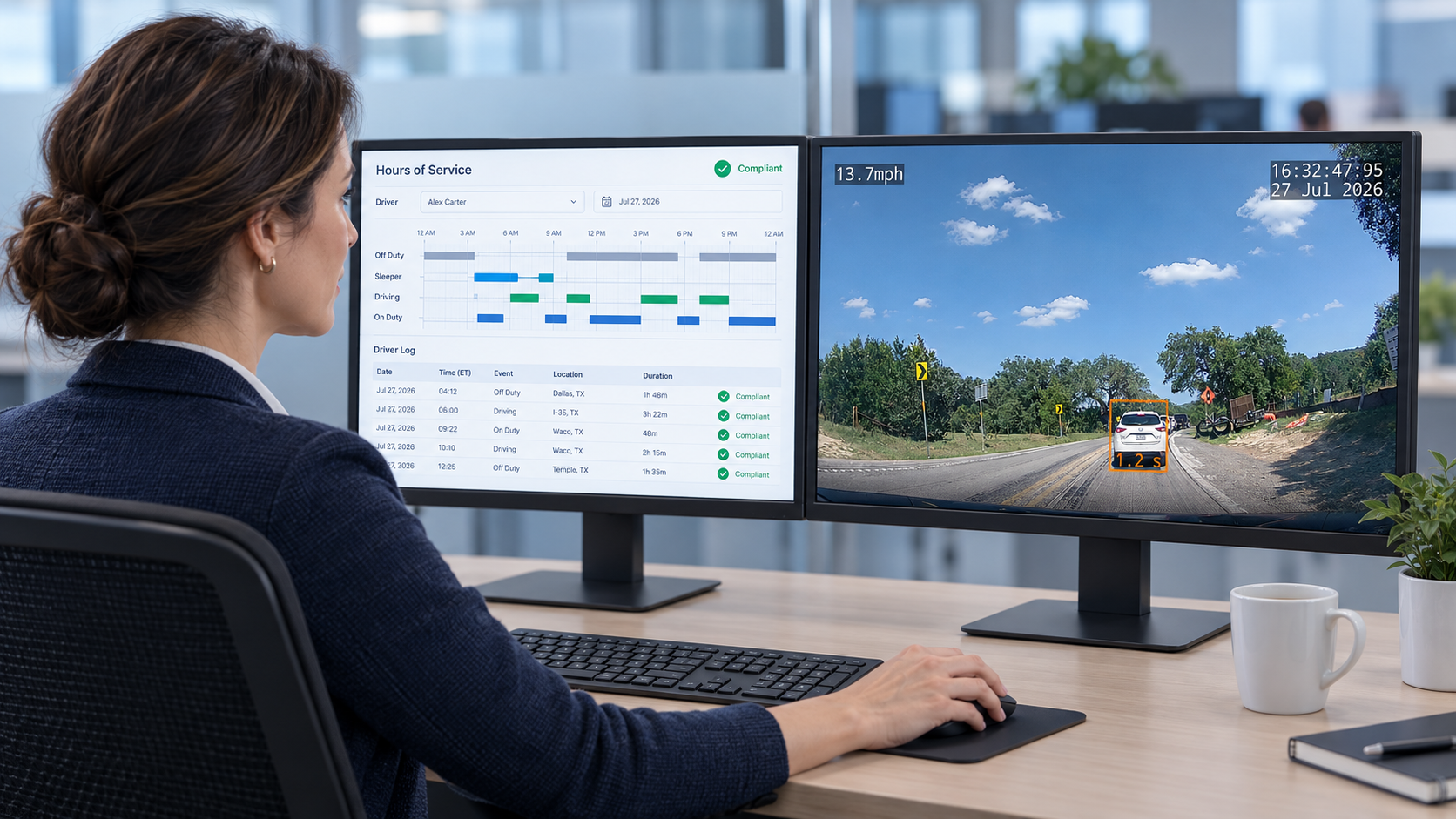
Fleet managers evaluating GPS providers that also deliver video have a clear starting benchmark: a network-connected system that pairs cellular-uploaded footage with GPS coordinates, speed data, and event timestamps in a single platform gives supervisors retrievable evidence for any incident without requiring driver involvement in the retrieval process.
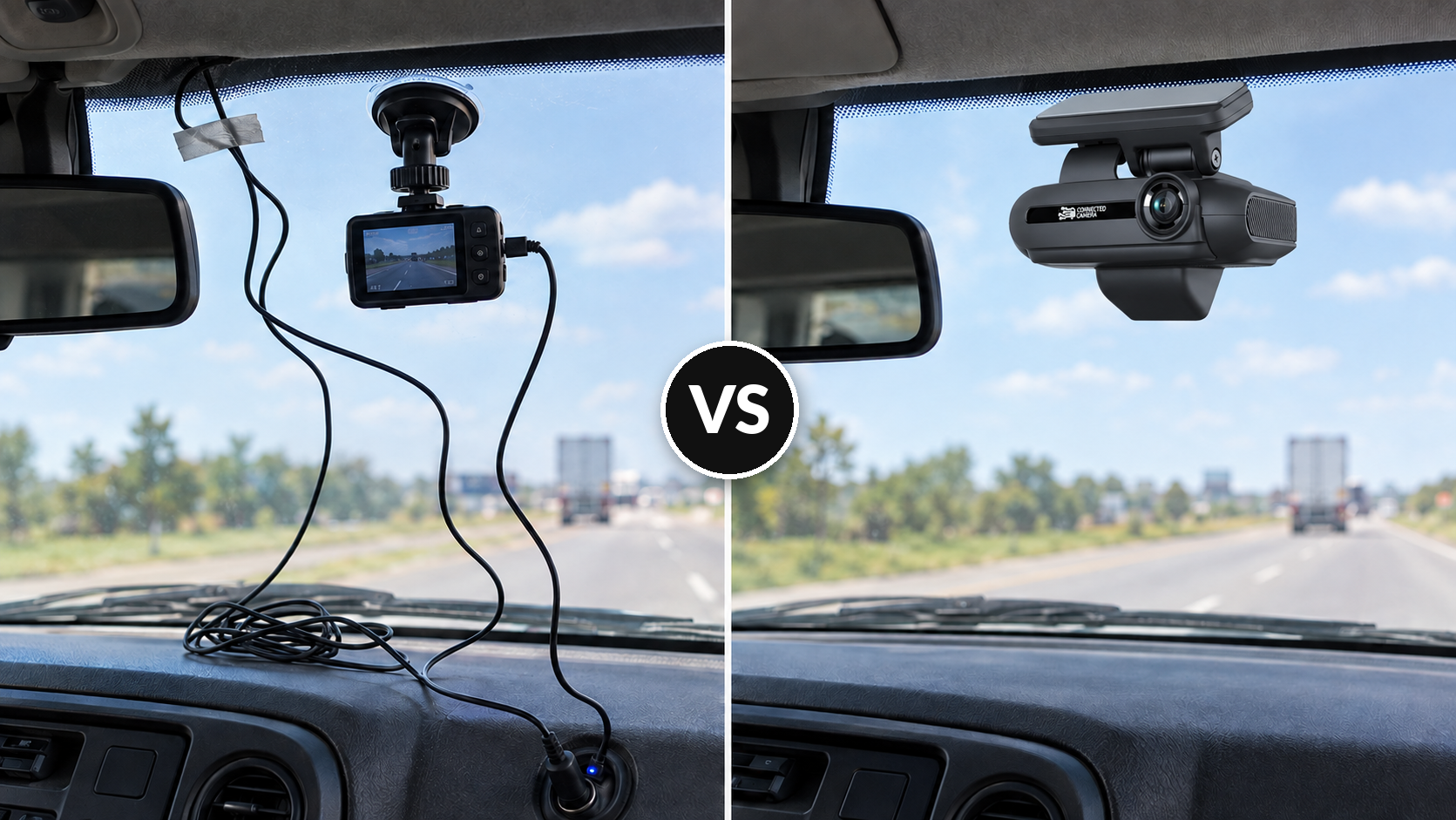
The distinction between SD-card and network-connected cameras determines whether a system functions as a passive recorder or an active safety tool. SD-card cameras store footage locally on the device. Retrieving it requires a driver to physically remove the card, transfer the data to another device, and return the card to the vehicle before anyone reviews what happened. Cards get lost, overwritten, or damaged in transit. Network-connected cameras transmit over the cellular network the moment a trigger fires, whether from a hard-braking event, a collision-detection threshold, or a manual recording activation. Footage, GPS coordinates, speed, and g-force data appear in the cloud portal within seconds, accessible from any browser.
| Dimension |
SD-Card Cameras |
Network-Connected Cameras |
| Footage retrieval |
Manual card removal and transfer; driver dependent |
Automatic cellular upload; available in portal within seconds |
| Live viewing |
Not available |
Available via portal or mobile app |
| GPS data pairing |
Requires a separate GPS device |
Integrated at the event level |
| Storage duration |
Limited by card capacity |
Cloud-based; up to 60 days for event footage (adjustable to fit an organization's own policies) |
| Footage ownership |
Device-held; vendor access policies vary |
Cloud-held; confirm ownership terms in the contract |
Footage ownership deserves direct scrutiny in any vendor evaluation. When an incident leads to litigation or an insurance dispute, the question of who controls access to the footage determines how quickly a fleet can respond. SAV Express, a 100-vehicle dry-goods carrier based in Coon Rapids, Minnesota, discovered this problem after switching from a prior provider that claimed the footage belonged to the vendor, releasing it to the fleet only at the vendor's discretion. After moving to SureCam, SAV Express documented more than $1 million in avoided repair and claims costs. In one specific incident, a third-party truck backed into a parked SAV Express vehicle at a truck stop, causing more than $10,000 in damage that appeared on video. Without that footage, the claim would have gone uncontested. "Before cameras, we previously didn't have a chance," said Matt "Jake" Jacobson, Director of Fleet Operations. "We were hoping on a good Samaritan or maybe a nearby fellow driver."
Live viewing capability addresses a distinct operational need beyond incident response. Some fleets require real-time confirmation that a driver has arrived at a job site, or that a delivery is being handled correctly. Live streaming from connected cameras extends the platform's value from reactive evidence collection into active field management, allowing dispatchers or safety managers to check in on high-risk routes or active job sites without placing a call to the driver.
When verifying GPS and video integration depth, ask vendors whether location data attaches at the event level or only at the device level. Event-level pairing means every recorded clip carries its own timestamp, map coordinates, and speed reading, so reviewers reconstruct the full context of any incident without cross-referencing a separate GPS log. Device-level pairing tracks where the vehicle was at any given time but does not attach those coordinates directly to the specific seconds captured on video.
Integrating AI-Powered Dash Cams and GPS
A question that surfaces consistently during fleet technology evaluations: does video monitoring need to come from the same vendor as the ELD system? For most non-regulated fleets operating without Hours-of-Service requirements, the answer is no. ELD compliance and video telematics address different operational problems, and consolidating them in a single vendor relationship creates dependencies that become costly when either product needs to change. Fleets running a dedicated telematics or ELD platform can integrate dash cam video through an open API or a native integration, keeping compliance workflows intact while adding video safety capabilities independently.
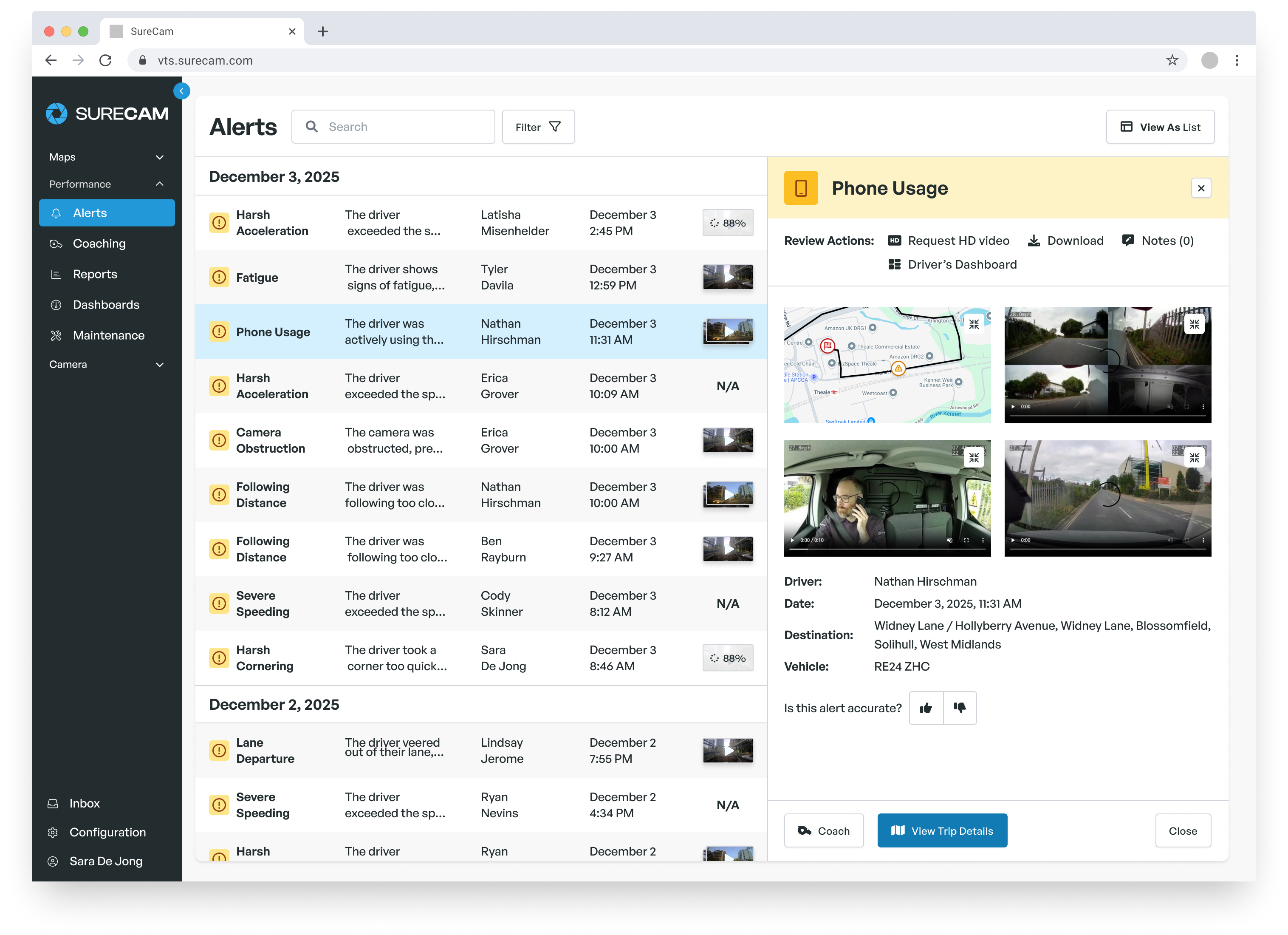
AI-powered cameras add a behavioral detection layer that standard cellular-connected cameras do not provide. Where a connected camera records and uploads when a hard-driving event crosses a g-force threshold, an AI-enabled system continuously analyzes the in-cab feed and the road environment simultaneously. Specific behaviors, including mobile phone use, forward gaze deviation, signs of fatigue, and seatbelt non-compliance, trigger alerts without requiring a collision or hard-braking event to occur first. Coaching conversations happen around the behaviors that precede accidents, not only around the accidents themselves.
Forward-collision warning and tailgating detection are the ADAS functions with the most direct application to commercial fleet operations. Both work by analyzing the gap between the vehicle and the object ahead in real time, issuing in-cab audio alerts when the closing distance falls below a configurable threshold. These alerts give drivers an intervention opportunity before a collision becomes unavoidable, which matters for heavy vehicles where stopping distances are significantly longer than for passenger cars.
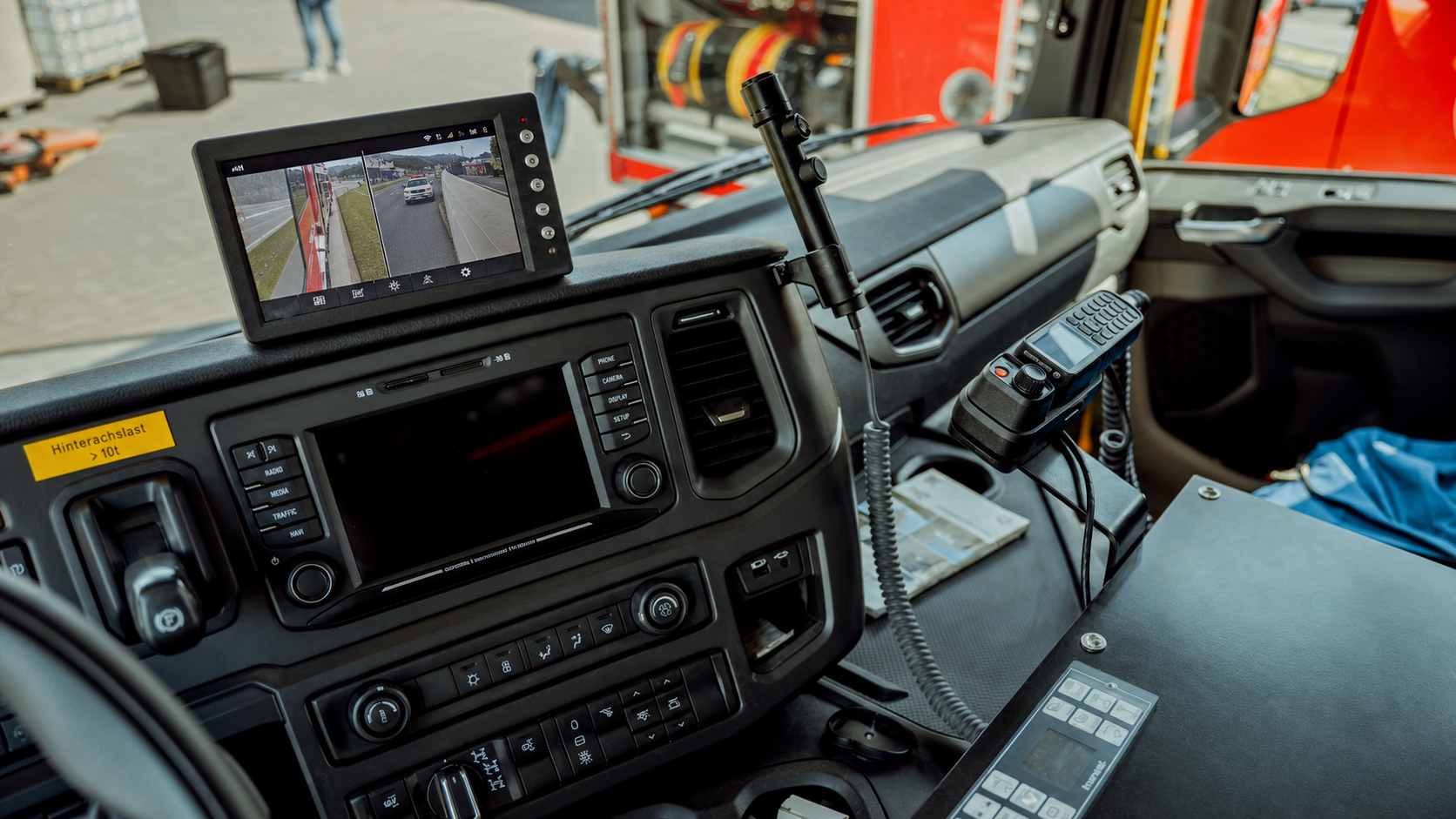
Camera configuration decisions depend on vehicle type and the specific risk profile of the operation. A forward-facing road camera addresses the most common incident type for most commercial fleets. Adding a driver-facing camera enables behavioral AI coaching. Side cameras reduce exposure from lane changes and sideswipes. Rear cameras document loading and unloading events, capturing third-party contact or forklift damage at job sites on video rather than on a damage claim form after the fact. Cargo-facing configurations serve specialized transport where load condition determines liability. SureCam's Vantage platform, for example, supports configurations ranging from a single forward-facing camera up to six synchronized camera views, with configurations assignable per vehicle type rather than applied uniformly across the fleet.
Single-interface access to synchronized multi-camera footage matters as much as the configuration itself. When a vehicle running four camera angles triggers an incident event, reviewers need synchronized playback from a single portal view, not four separate files opened and advanced manually. Confirm with vendors how multi-camera footage is delivered in the platform and whether all camera views time-sync automatically to the triggering event, before assuming that more cameras translates directly to more useful evidence.
Ready to get started? Speak with a fleet telematics expert today to find the best fit for your fleet.