How AI Driver Coaching Works: A Six-Step Loop From Risky Moment to Better Driver
AI driver coaching works as a loop. The camera's AI detects a risky behavior, the driver hears an in-cab audio prompt in the moment, the flagged clip goes to the manager, and scorecards show which patterns need a coaching conversation. Each pass gives a driver a chance to correct course early.
The loop matters because recorded video alone changes very little. A camera that captures everything and flags nothing leaves a manager with hours of footage and no time to watch it. The loop converts that footage into a short list of moments, a prompt for the driver and a pattern view for the manager.
The six steps below follow the loop in order. SureCam serves as the worked example: it makes its own cameras, running its own firmware, deployed with thousands of fleets across the US, Canada and the UK, inside a video-first fleet management platform. The mechanism applies to any AI dash cam program, and the examples show one way to build it.
- Detection: the AI flags risky events such as harsh braking, tailgating, speeding and distraction.
- The in-cab moment: a real-time audio prompt lets the driver self-correct.
- The manager's queue: only flagged clips arrive, with location and time context.
- Patterns over time: scorecards and reports show who improves and who needs targeted coaching.
- The coaching conversation: start with the clip, focus on one or two behaviors, agree on a next step.
- Beyond the cab: license status, violations and training add context from outside the vehicle.
Step 1: Detection Flags Risky Events So Nobody Reviews Hours of Footage
Step 1 starts when AI event detection surfaces a risky event, such as harsh braking, tailgating, speeding or distraction, so managers focus on the clips that matter. The AI flags the event so that nobody has to watch hours of footage to find it. In plain terms, the AI looks for patterns that match a defined risky behavior and marks that moment in the recording for a human to review.
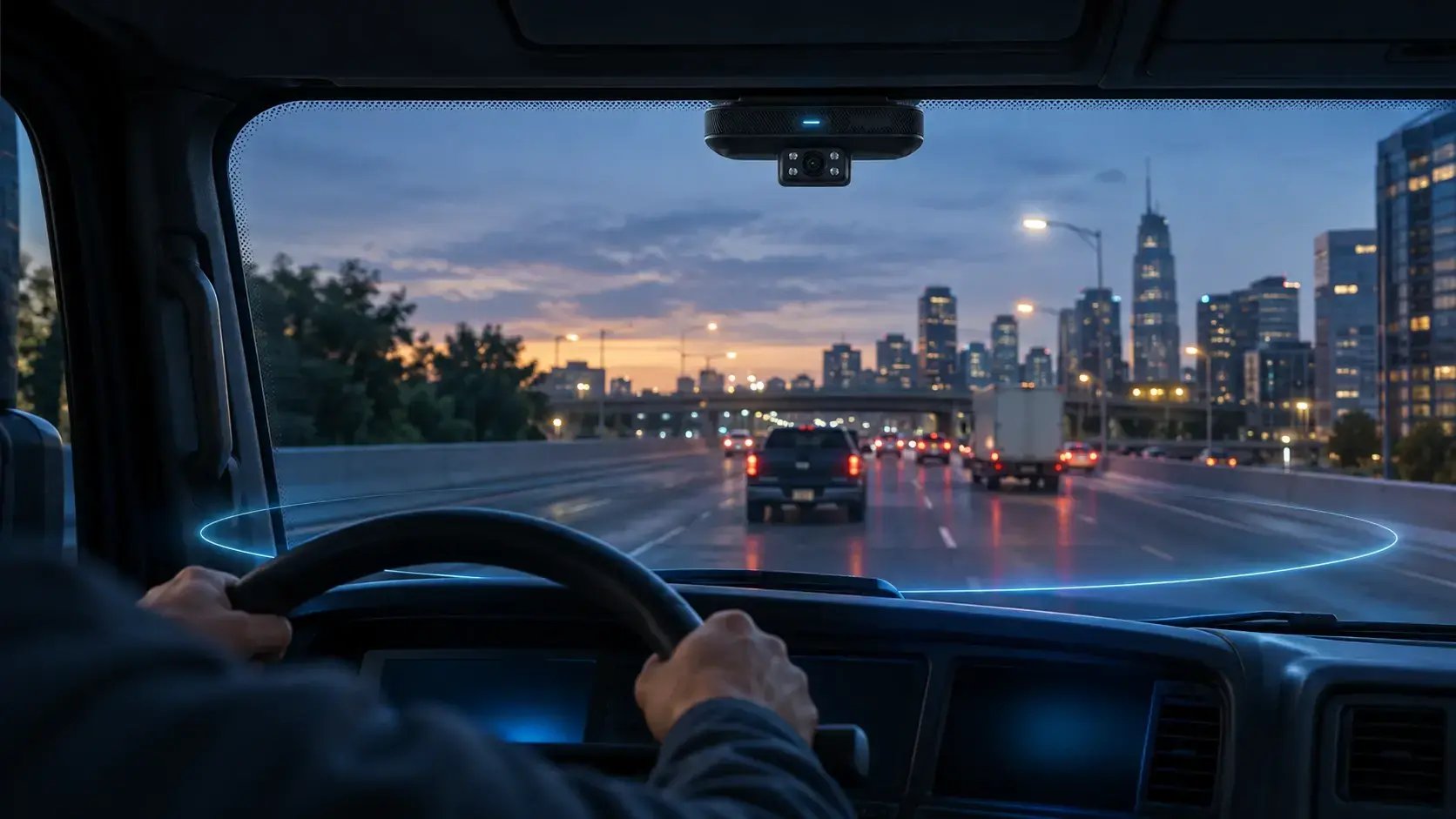
A camera facing the road sees following distance, speed, and stopped traffic. A driver-facing lens adds a view of the cab, which opens up a different set of risks. SureCam's dual-lens cameras add drowsiness detection, distraction alerts and seatbelt compliance in real time. The AI does not judge the driver. It points to a moment that deserves a human look.
Camera hardware shapes what the AI can see, which chooses between a basic recorder and a connected platform worth a careful look. The breakdown in video telematics vs. standalone dash cams covers that decision.
Step 2: The In-Cab Prompt Lets Drivers Self-Correct Before a Manager Gets Involved
Step 2 happens in the cab, seconds after the behavior. Drivers receive a real-time in-cab audio prompt, and the driver can correct course before any manager gets involved. Most behavior change starts here rather than in a meeting, because the prompt arrives while the road, the speed and the following distance still sit in front of the driver.
A coaching conversation a week later asks a driver to recall a moment that lasted a few seconds. A prompt in the moment ties the correction to its cause. When a driver eases off a tailgating habit after hearing a prompt, that driver has coached themselves, and nobody had to schedule anything. Audio suits the job because the driver does not need to look at a screen.
The prompt also produces information for later steps. A driver who corrects after one prompt generates a single event. A driver who hears the same prompt on the same stretch of road every week generates a pattern, and that pattern tells a manager where self-correction stopped working and a conversation needs to start.
Step 3: Only Flagged Clips Reach the Manager
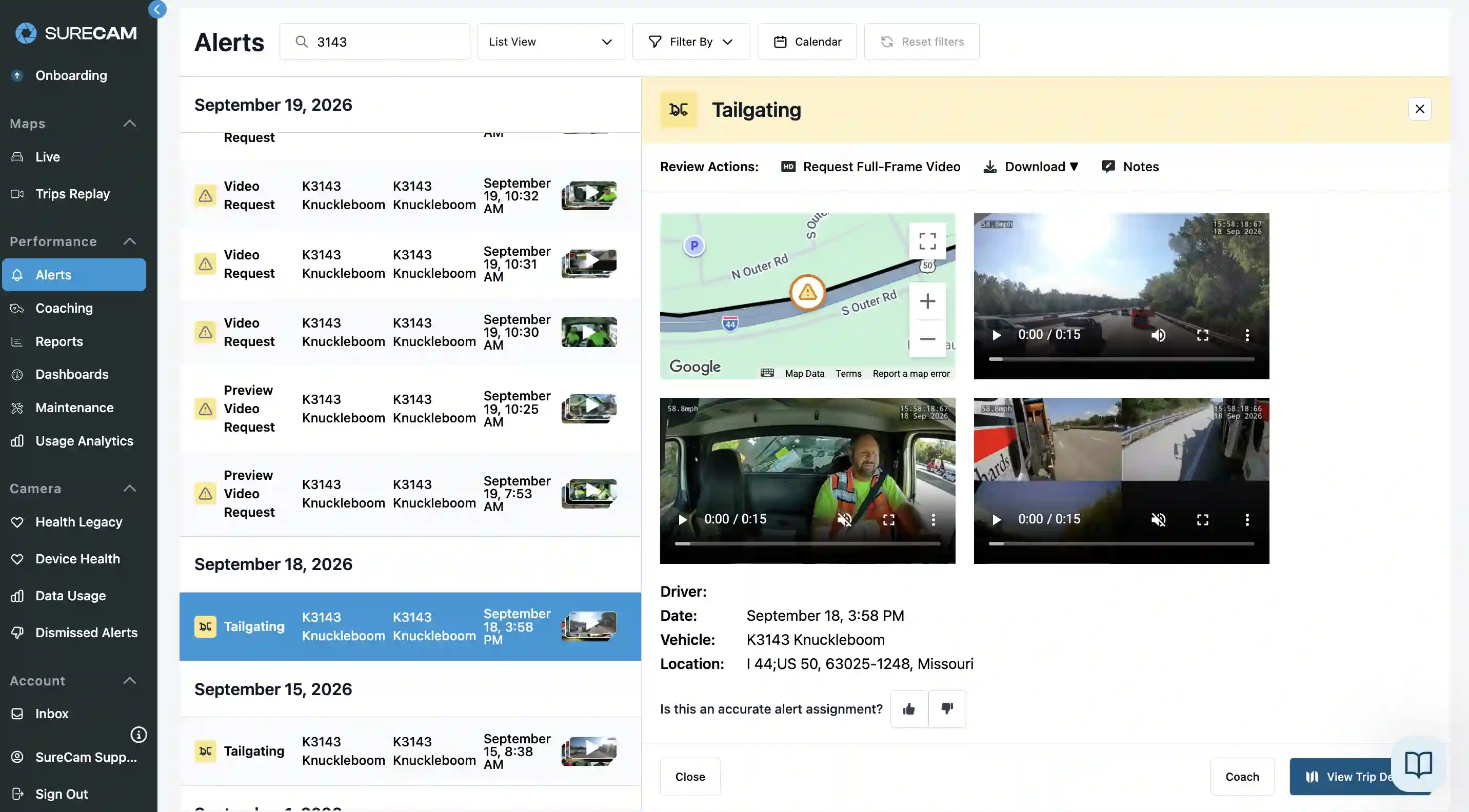
Step 3 puts only flagged clips in front of the manager, so the review queue holds the moments that matter instead of a full day of video. In the worked example, a program can switch event-triggered auto-send of flagged events on or off, which lets it choose between clips arriving as they happen and clips waiting for a scheduled review.
Each clip carries more meaning with context. Live GPS tracking and trip history show where and when an event happened, so a manager can tell a hard stop for a pedestrian on a city street from a habit that repeats on the same stretch of highway. Location and time turn a video file into a case a manager can actually assess.
The manager's job at this step stays small: watch the clip, decide whether the AI flagged something real, and decide whether the moment calls for a conversation. Some clips will call for one, and others will show a driver reacting well to a hazard.
Step 4: Scorecards Show Patterns Over Time
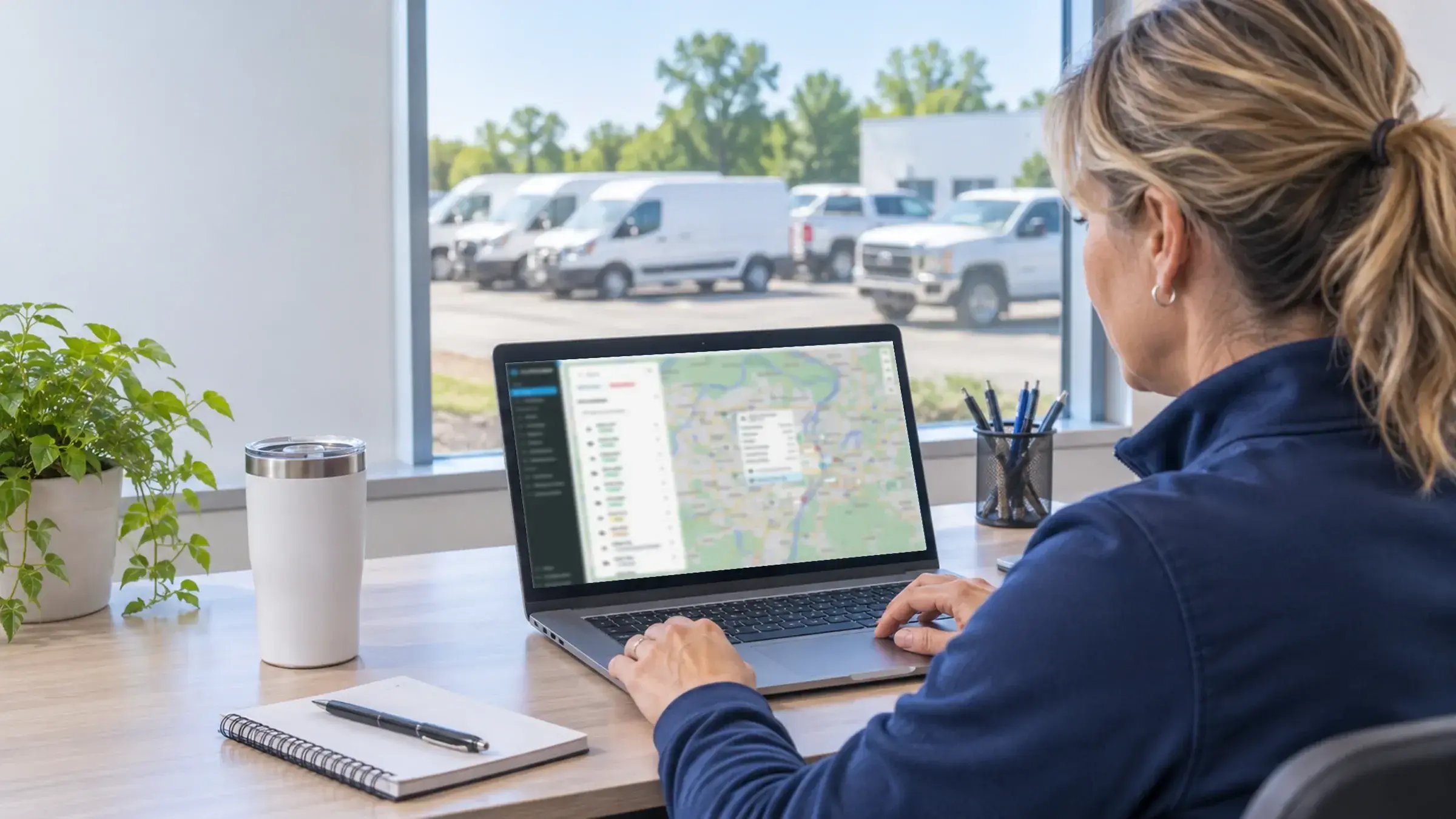
Step 4 widens the view from single clips to patterns. Driver scorecards, fleet safety reports and event trend summaries show who improves, who stalls and which behaviors repeat across the team, so coaching time goes where it helps most. In the worked example, Driver Scorecards and Reporting automatically generate driver scorecards, fleet safety reports and event trend summaries, letting managers track performance over time, compare drivers and spot high-risk patterns.
Patterns carry information that single events cannot. One tailgating clip may reflect a bad morning, while the same behavior across three weeks reflects a habit. Comparing drivers adds a second lens: a behavior that shows up for one driver but not for others on similar routes points to a coaching need, while a behavior that shows up across the whole team points to a route, schedule or policy issue.
Trend summaries also show whether coaching worked. A behavior that appears less often in the weeks after a conversation suggests the conversation landed. A behavior that holds steady suggests the next conversation needs a different approach.
Step 5: The Coaching Conversation Starts With the Clip
Step 5 turns data into a human conversation. Start with the clip, focus on one or two behaviors, and agree on a specific next step the driver can act on before the next review. The clip keeps the discussion on what happened rather than on opinions about what happened.
Concrete Strategies, a US concrete supplier, runs cameras on its 33 largest vehicles and reviews harsh braking and cornering alerts the same day or the next as coaching opportunities, according to Lisa Lamons, its Safety Training and DOT Compliance Manager. A same-day or next-day review keeps the event fresh enough for the driver to remember the road conditions.
For program setup, review cadence and rollout, see How to Monitor Driver Safety in Real Time.
Step 6: Beyond the Cab, a Driver Risk Platform Adds Records and Training
Step 6 adds information that no camera can capture. A driver risk management platform such as SambaSafety adds motor vehicle record (MVR) violations, license status, and training courses to the in-cab picture, so a coaching plan reflects a driver's full history instead of camera events alone. Treat it as one layer of a complete program.
SambaSafety describes its platform as covering MVRs, license status, monitoring that includes CSA incidents, and online driver training. The training courses belong to the driver risk platform, not to the camera system, and they give a manager a place to send a driver whose pattern a conversation alone has not fixed.
SureCam integrates with third-party coaching platforms, including SambaSafety, and it also offers an add-in for MyGeotab. Fleets reach this layer through different tools, so the useful question concerns which records and training a program needs rather than which vendor supplies them. The question of what video can do for insurance deserves its own answer, which Does a Dash Cam Lower Commercial Fleet Insurance? covers.
What AI Coaching Does Not Do
AI coaching does not replace manager judgment, does not catch every risk and needs thresholds tuned so alerts stay meaningful. The loop points people at the right moments, and people still decide what each moment means and what to do about it.
A hard stop to avoid a pedestrian can look similar to a hard stop from tailgating in a trend report. Only a manager who watches the clip can tell which one deserves a conversation and which one deserves a thank-you.
No system flags every risky moment. Detection depends on what the camera can see and on which behaviors the AI looks for, so a program should treat flagged events as a sample of risk rather than a complete record of it.
Thresholds need regular tuning. Set too sensitive, they flood drivers with prompts that lose their meaning. Set too loose, they let habits slide past unnoticed. Review the settings after launch and adjust them as driver behavior changes.
Driver Privacy and Acceptance: Controls That Keep Coaching Fair
Drivers accept coaching when they understand what a camera captures, who sees it and when. SureCam's driver-facing privacy controls include privacy mode and lens shutter controls, audio off by default and role-based access to footage, so a program can limit what the camera captures and who reviews it.
Notice and consent rules for driver-facing cameras vary by jurisdiction, so a program should confirm local requirements before turning on cab-facing detection and should tell drivers what the camera records.
The order of the loop also helps acceptance. The driver hears the prompt first, before any manager sees a clip, which gives the driver the first chance to adjust. A program built that way reads as help with the job rather than a record kept against the driver.
Frequently Asked Questions About AI Driver Coaching
What does an AI dash cam detect?
An AI dash cam detects risky events such as harsh braking, tailgating, speeding and distraction. Cameras with a driver-facing lens add drowsiness detection, distraction alerts and seatbelt compliance in real time. Detection flags the moment so that managers review the clips that matter instead of hours of footage.
Do drivers hear alerts in the cab?
Yes. Real-time in-cab audio prompts alert the driver in the moment, so the driver can self-correct before a manager reviews anything. The prompt comes first in the loop, and the flagged clip follows to the manager.
What do driver scorecards show?
Driver scorecards summarize event patterns for each driver, while fleet safety reports and event trend summaries show the same patterns across the team. Managers use them to track performance over time, compare drivers and spot high-risk patterns, then decide who needs a coaching conversation.
Does AI coaching replace manager judgment?
No. AI coaching points managers to moments worth reviewing, and managers decide what each moment means. The loop also misses some risks and needs thresholds tuned so alerts stay meaningful.
Do drivers have to consent to a driver-facing camera?
Notice and consent rules for driver-facing cameras vary by jurisdiction, so confirm local requirements and tell drivers what the camera records before turning on cab-facing detection. In the worked example, privacy mode and lens shutter controls, audio off by default and role-based access to footage give a program ways to limit what gets captured and who sees it.
See the Coaching Loop in Action
SureCam pairs commercial-grade cameras with a video-first fleet management platform, so detection, in-cab prompts, flagged clips and driver scorecards sit in one place. Explore the features page to see how the loop fits a coaching program.