When Equipment Goes Missing, the Damage Runs Past Replacement Value
GPS asset tracking for equipment theft uses location devices, geofence rules, and movement alerts to help fleet and operations teams detect unauthorized movement faster, support recovery efforts, and maintain visibility over non-powered assets across yards, jobsites, and staging areas. No tracking system physically stops a theft, but the right setup closes the window between "gone" and "reported" and gives your team actionable location data while options remain open.
The business case extends well past the replacement check. A stolen trailer grounds a crew waiting on a load. A missing generator reschedules a jobsite. Lost specialty tool containers on a busy commercial site delay multiple trades and can trigger contract penalties. These downstream costs in labor, dispatch time, and missed customer commitments often match or exceed the value of the asset itself and rarely appear in theft statistics.
Fleets with consistent location visibility catch unauthorized movement sooner, maintain tighter inventory across non-powered assets, and give law enforcement better information when filing a report or supporting a recovery effort.
How GPS Asset Tracking Detects Unauthorized Movement
A tracking device is installed on or inside a non-powered asset: a trailer, portable generator, container, specialty tool package, or construction machine. The device reports its position through cellular, Bluetooth, satellite, or another network protocol, depending on where the asset operates and how frequently the application requires updates.
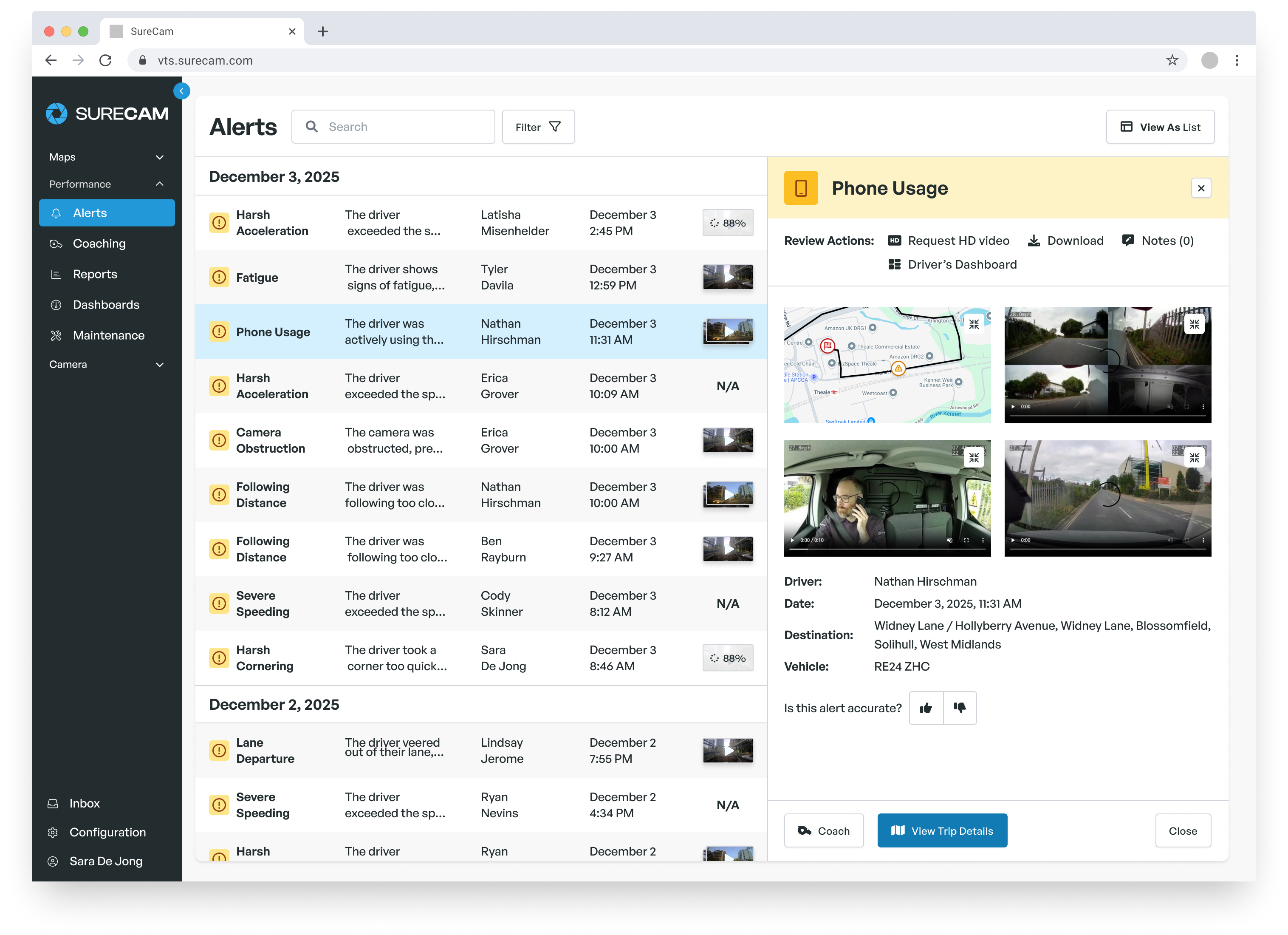
From a single dashboard or mobile application, operations teams maintain a clearer picture of where priority assets are located across yards, jobsites, customer locations, and temporary staging areas. The core question the system needs to answer is straightforward: does this asset currently sit where it belongs?
The functions that matter most for theft detection include:
- Geofence alerts that trigger when an asset enters or leaves an approved zone, whether a home yard, active jobsite, or authorized service area
- Movement alerts configured for activity outside normal working hours
- Last-known-location data when a device moves into an area with limited cellular coverage
- Location history showing where an asset traveled and when it departed each stop
- Low-battery alerts that prevent a power-depleted device from creating an accidental blind spot
Alerts only work when someone receives them and knows the response protocol. Documenting who reviews alerts, how they confirm movement as approved or suspicious, and when to escalate to management or law enforcement turns raw notifications into coordinated action. A trailer that moves every working day warrants different alert rules than a generator stored at a fixed site for weeks at a time.
Key Features to Evaluate Before Selecting a System
Location reporting frequency should match each asset's risk profile. High-value equipment moving between job sites may need more frequent updates while in transit. Equipment sitting at a storage yard may need only periodic check-ins paired with a movement alert when it departs unexpectedly. View the SureCam asset tracking features sheet here.
Coverage geography matters as much as reporting interval. Cellular GPS performs reliably across most urban and suburban commercial corridors. Rural jobsites, remote storage yards, and agricultural or utility environments may create gaps. Before committing to a device type, review where your highest-risk assets actually operate rather than where most of your work happens.
For non-powered assets specifically, power source and battery life determine whether a tracker stays useful across a full deployment cycle. Frequent location updates draw down battery faster. Your team should understand the tradeoff before setting alert rules and configure reporting intervals accordingly.
Useful questions to ask during any evaluation:
- How does the system monitor battery status, and are batteries field-replaceable or rechargeable?
- What mounting configurations work for trailers, containers, and portable equipment in the conditions your assets encounter?
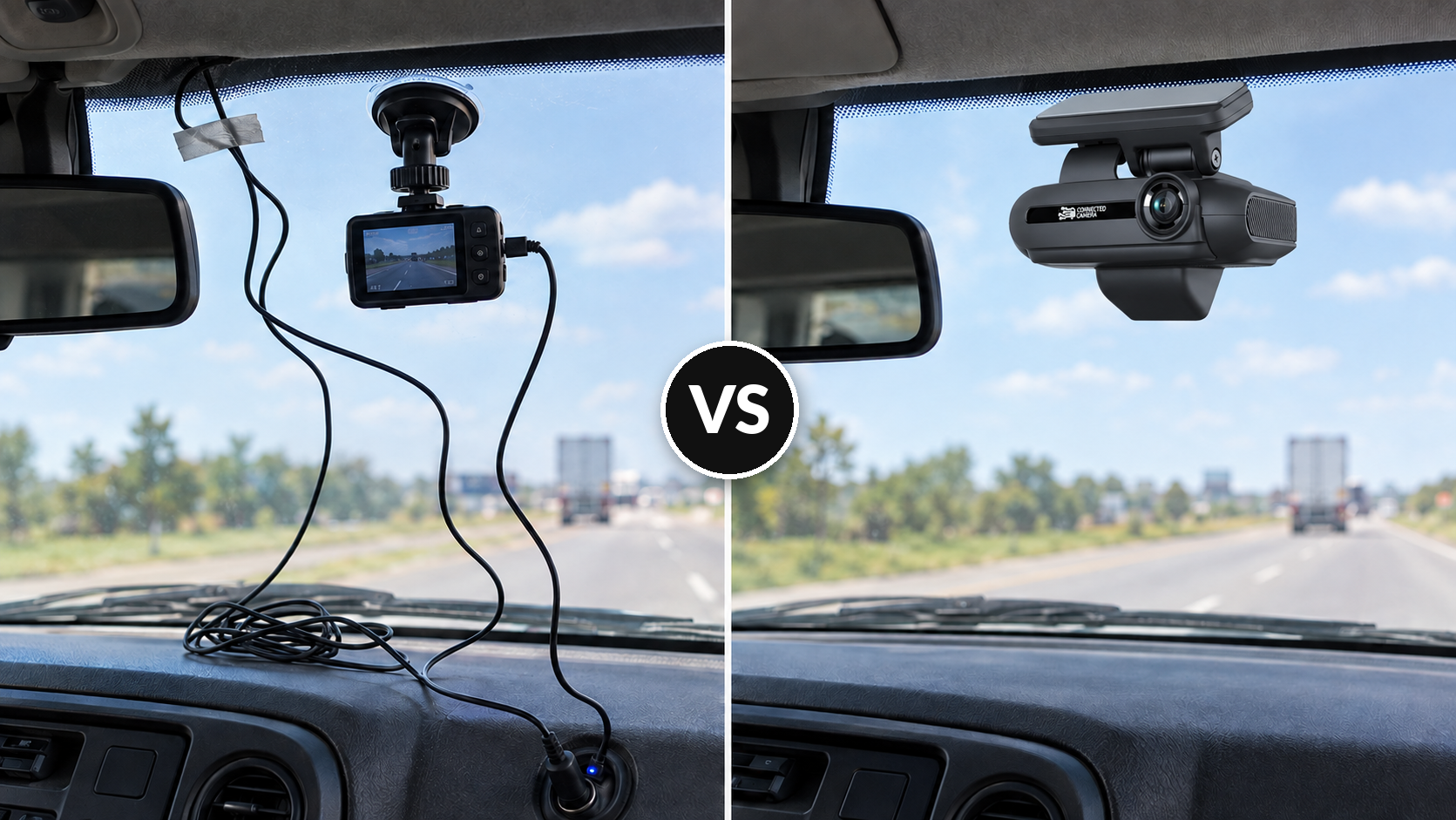
- Can the device mount in a location that requires deliberate effort to remove without authorization?
- Can users adjust reporting frequency and alert thresholds independently for different asset categories and risk levels?
Mapping and location history support daily operations well beyond theft response. Movement logs confirm equipment handoffs between crews, flag assets that have sat idle longer than expected, and support more accurate field inventory without requiring a supervisor to physically verify each location.
Tracking Technology Options: Matching the Tool to the Asset
No single tracking technology fits every asset class or operating environment. The right choice depends on whether the priority is yard inventory, jobsite accountability, theft response, utilization reporting, or some combination.
| Technology |
Best Fit |
Practical Limitation |
| Cellular GPS |
Trailers, fleet vehicles, equipment operating in commercially covered territory |
Performance degrades in low-coverage rural areas |
| Bluetooth / Proximity |
Controlled yards, warehouses, fixed facilities |
Limited value once an asset leaves the monitored zone |
| Satellite |
Remote worksites with no cellular coverage |
Higher per-device and subscription cost; lower reporting frequency |
| Passive RFID |
High-volume tool tracking inside facilities |
Provides no continuous location outside reader range |
Cellular GPS offers the most practical combination of real-time reporting, alert configuration, and location history for trailers, fleet vehicles, and equipment operating in commercially served territory. Satellite devices serve a narrower need: genuinely remote operations where cellular simply cannot reach. Bluetooth and RFID fill facility-level inventory gaps but do not substitute for field tracking once an asset leaves a controlled zone.
Building a Plan Around Your Highest-Risk Equipment
The most useful asset protection program starts with equipment that creates the most operational disruption when it cannot be located, not necessarily the most expensive items in inventory.
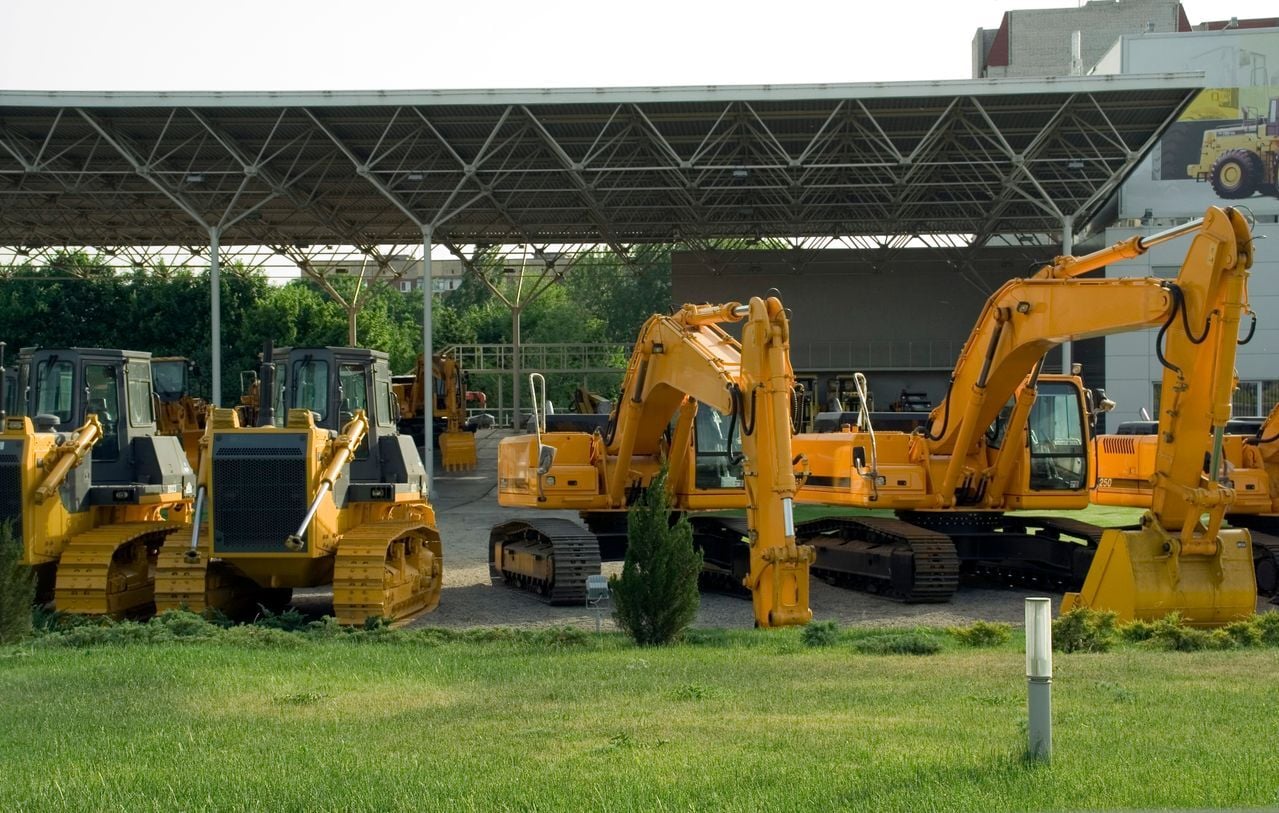
High-value trailers, generators, specialty containers, and yellow iron machines make common starting points. Consider a 40-truck concrete contractor running 20 non-powered trailers across four active jobsites. If one trailer moves overnight from a site that has no scheduled work until morning, an alert to the night dispatcher takes minutes. Without tracking, the same discovery waits until a crew shows up and finds an empty spot. The notification window is the difference between a real-time response and a cold lead.
For each priority asset, a complete record should include serial number, current assigned location, responsible crew or driver, tracker device status, and a dated photograph. This baseline converts a theft event from a chaotic information search into a structured report with details law enforcement can use immediately.
Fall provides a practical moment to review and update these records. Shorter days extend the overnight window when equipment sits unattended. Seasonal job changes move assets to new sites and leave others stationary longer than expected. Geofence boundaries configured months earlier may no longer reflect current site assignments, generating alerts that operations teams learn to dismiss.
A focused pre-season audit should cover:
- Confirming which assets should remain at each site versus move on a regular schedule
- Updating geofence definitions to match current site and storage assignments
- Verifying alert routing so the right person receives each notification
- Checking battery and device status across the full tracked asset inventory
When location data feeds into the same platform operations teams use for fleet tracking, it also supports dispatch planning. Knowing where equipment sits removes one uncertainty from pre-job scheduling and reduces the risk of sending a crew to a site without the tools or machinery the work requires.
Frequently Asked Questions
What types of equipment benefit most from GPS asset tracking?
Trailers, portable generators, compressors, containers, and construction equipment left unattended overnight or across weekends carry the highest theft exposure. Any asset that moves between locations without a driver makes a strong tracking candidate, particularly if losing it would delay multiple jobs or trigger a significant claims or replacement process.
Does asset tracking require professional installation?
Installation complexity varies by device type and mounting requirements. Many cellular GPS trackers designed for trailers or portable equipment run on battery power and require no hardwired connection. Hardwired devices generally need a professional installation to avoid affecting vehicle systems or voiding warranties.
How long does battery life last on asset tracking devices?
Battery life depends on reporting frequency, device hardware, and operating temperature range. Devices configured for frequent location updates consume power faster than those set to periodic check-ins. Most commercial-grade asset trackers offer configurable reporting intervals specifically to let operators balance location visibility against battery longevity.
Can location history support insurance or theft claims?
Yes. Location history, movement logs, and geofence violation timestamps provide useful documentation when filing a theft report or supporting an insurance claim. The combination of departure timestamps, geofence exit records, and last-known-location data gives law enforcement and adjusters a clearer picture than a written report alone.
What happens to tracking data when a device loses cellular coverage?
Most cellular GPS trackers store location data locally when connectivity drops and upload the queued records once the device returns to coverage. This buffered location history helps reconstruct an asset's path even through areas where real-time reporting failed.