Why the Combined View Matters for Fleet Coaching
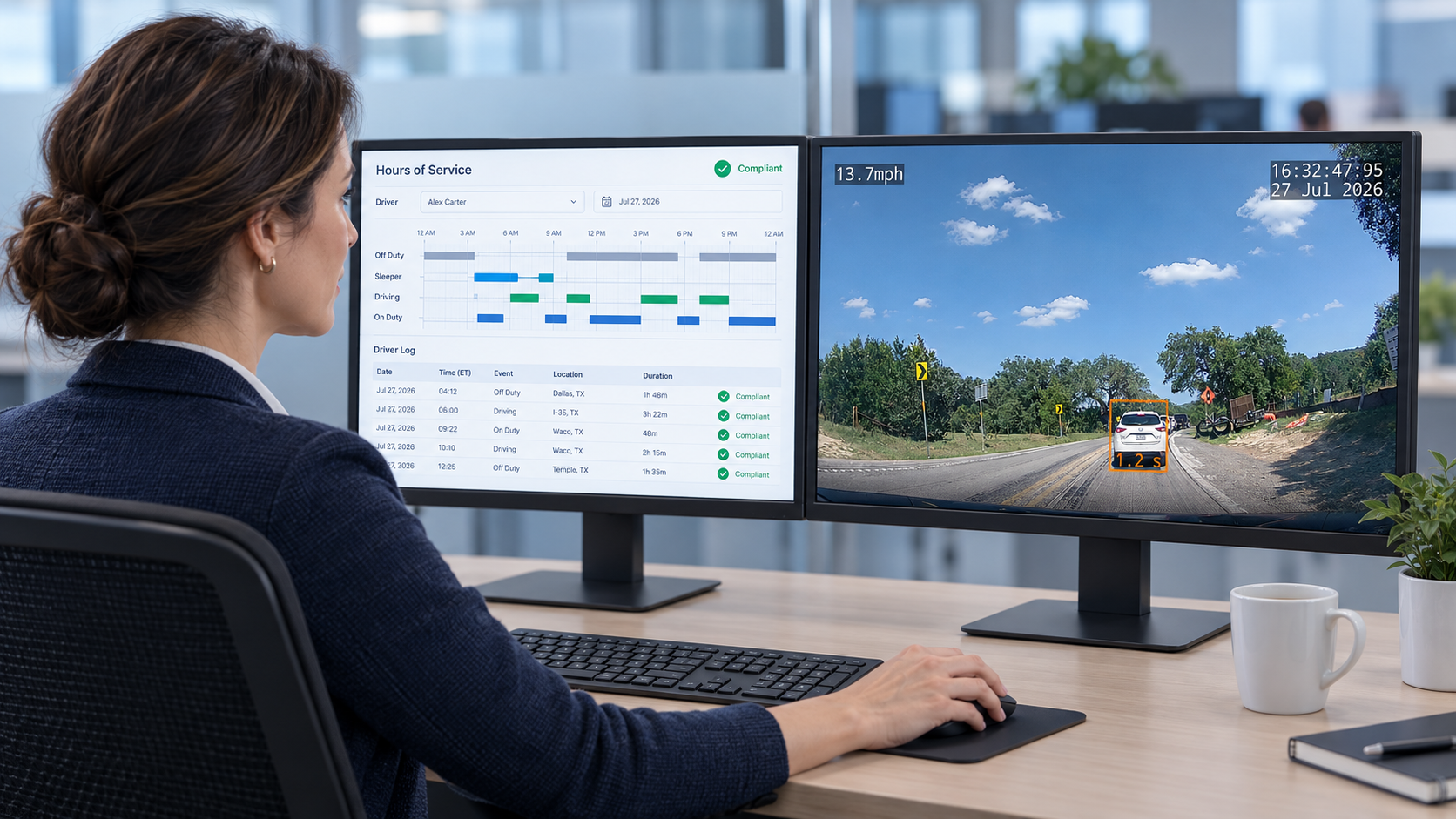
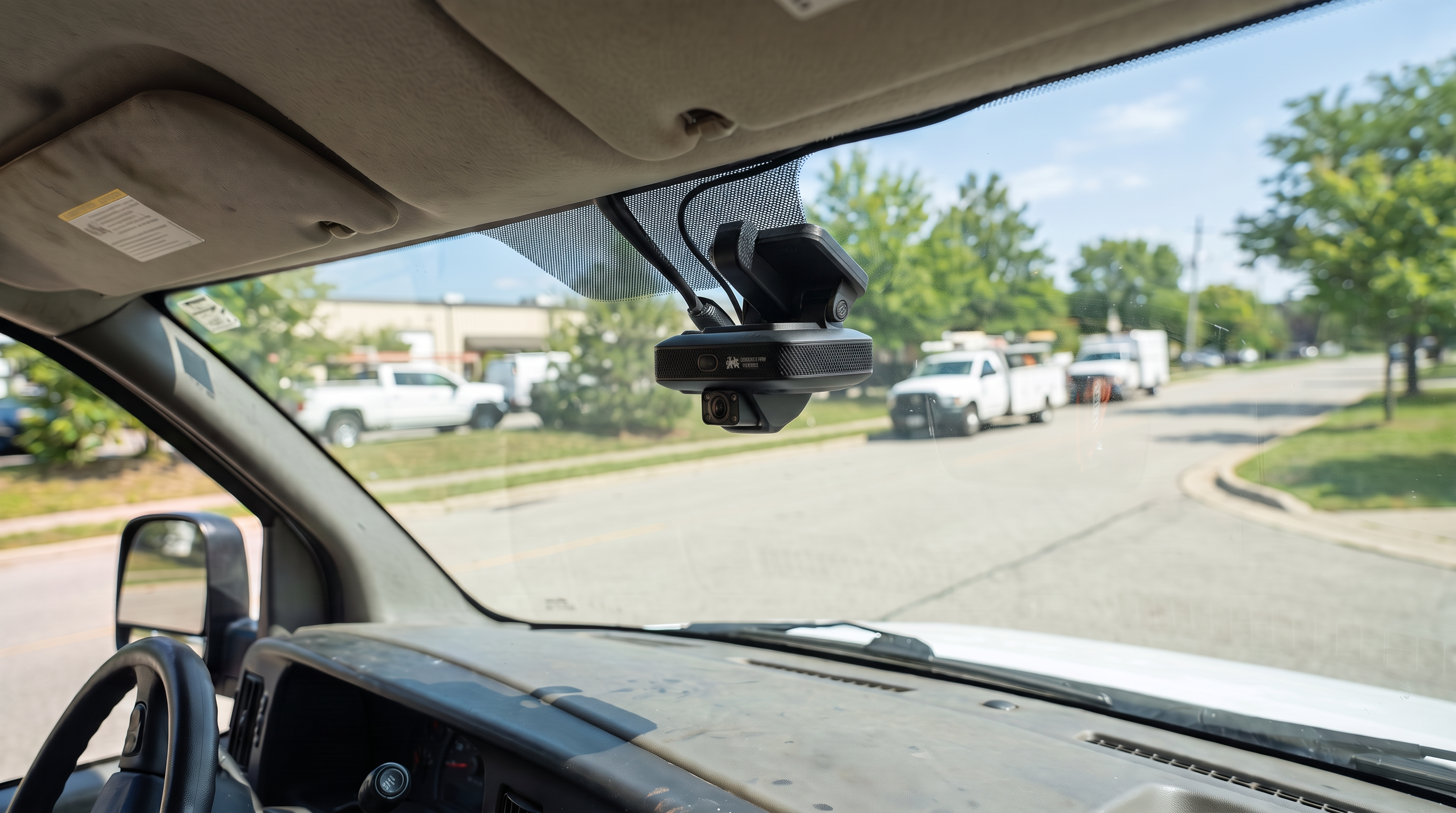
A dual-facing dash cam records both the road ahead and the driver's cab simultaneously. That combined view gives fleet managers two synchronized streams of evidence for every safety event. It also eliminates the guesswork that has historically made driver coaching inconsistent: managers no longer rely on a driver's account of an event, a police report, or a single road-facing clip that may not capture what the driver was doing as a hazard developed.
The case for dual-facing cameras rests on specificity. A coaching conversation built around synchronized footage covers exactly what happened, what the driver saw, and how quickly the driver responded. Managers can address one specific behavior tied to a real event rather than offering general feedback based on a score or a dispatcher's summary. That specificity makes coaching conversations shorter, fairer, and more likely to change behavior.
Before selecting a camera system, identify the coaching goals driving the decision. Most fleets need one or more of the following: more consistent feedback across supervisors, faster access to footage after an event, better documentation of coaching conversations, or a clearer way to identify drivers who need additional support. A camera system should serve those goals, not generate new work around them.
What a Dual-Facing Dash Cam Records
Road-Facing Video and Vehicle Data
Road-facing video captures the conditions surrounding each driving event: traffic movement, lane position, traffic signals, following distance, road surface, weather, and the actions of other motorists. Combined with vehicle data, that footage becomes a verifiable record rather than an estimate. A timestamp tied to GPS location, recorded speed, g-force at the moment of hard braking, and time of day transforms a video clip into a complete account of what actually occurred.
Useful systems capture a pre-event buffer of at least 10 to 20 seconds so managers can see what preceded the trigger. Without that context, a harsh-brake clip may show only the moment of braking without the traffic conditions that caused it. When evaluating platforms, ask how long the recorded window extends before and after each triggered event, whether continuous recording supplements event-triggered clips, and how footage from both cameras stays synchronized during playback.
Cab-Facing Video and Coaching Context
Cab-facing video adds a second layer of evidence: what the driver was doing when the event occurred. Seat belt use, visual scanning behavior, hand position, and distraction indicators all become visible. In a disputed incident, cab-facing footage often provides the specific detail that resolves a liability question or allows a coaching conversation to close quickly with clear documentation.
Driver acceptance of inward-facing cameras depends largely on how the program is introduced. Drivers who understand that cab-facing video protects them from false claims tend to view the cameras differently than drivers who encounter them without explanation. Establish clear policies covering who can access footage, what event categories trigger review, and how coaching discussions will be documented. Starting that conversation before cameras arrive reduces friction during deployment.
Evaluating Video Quality and Camera Reliability
Footage Usability in Real-World Conditions
A resolution specification on a product sheet does not confirm that footage will be usable when it matters. The practical question is whether a clip recorded in actual fleet operating conditions produces clear, reviewable evidence. Request sample footage recorded in low light, rain, windshield glare, high-vibration vehicles, and cab environments with variable lighting. A demo clip from a controlled environment may look sharp; footage from a cargo van at a pre-dawn delivery stop may tell a different story.
Pay close attention to night clarity, wide-angle coverage at intersections, and how the cab-facing camera handles backlit or dim cab environments. Glare from overhead lighting, sun visors, and tinted windshields can all degrade footage quality in ways that matter during incident review. Reviewing sample clips from conditions similar to the fleet's daily routes provides the only reliable pre-purchase evaluation of this.
Retrieval Speed and Long-Term Reliability
When a safety review, customer complaint, or insurance inquiry requires documentation, authorized managers need a practical path to locate and retrieve the relevant footage. Evaluate how the platform organizes events by driver, vehicle, date, location, and event type. A well-organized interface shortens the time between a request and a usable clip; a fragmented one adds delay when speed matters most.
Long-term reliability covers hardware durability, installation stability across vehicle types, operating temperature range, onboard storage redundancy, and service procedures when a device fails. Mixed fleets may need different mounting configurations for tractors, cargo vans, pickup trucks, and specialty vehicles. Confirm what installation looks like for each vehicle type in the fleet and how the provider handles device replacement when cameras fail in the field.
Matching AI Alerts to a Repeatable Coaching Workflow
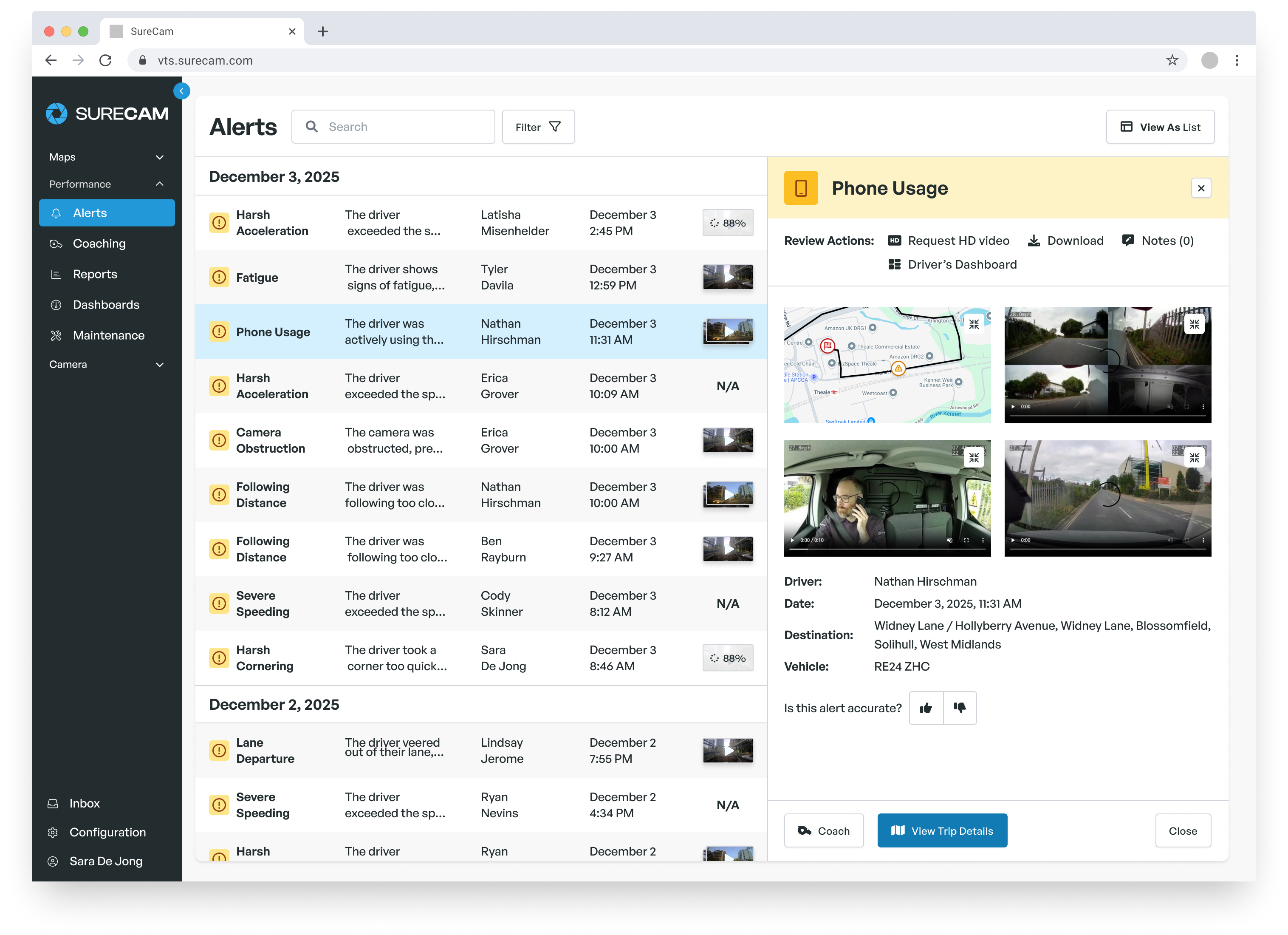
Evaluating Alert Scoring and Event Filtering
AI event detection helps fleet teams identify safety events worth reviewing without requiring managers to watch continuous footage. Most platforms flag categories such as harsh braking, rapid acceleration, cornering, tailgating, and distraction indicators based on sensor thresholds and, in some cases, computer vision. The question for fleet managers is not how many alert categories a system offers, but whether the alert volume matches the capacity a coaching program can actually process.
Ask how the platform scores events, whether alerts rank by severity or frequency, and how sensitivity settings can be adjusted. A well-calibrated system separates routine braking in heavy traffic from a pattern of late, aggressive stops. A system that generates high volumes of low-priority alerts creates fatigue that reduces the likelihood managers will review the events that actually warrant a coaching conversation.
A Review Process That Makes Coaching Consistent
Concrete Strategies, a national concrete supplier managing 136 vehicles, used harsh-event alerts from network-connected cameras to change how supervisors coached drivers across the fleet. Safety Training and DOT Compliance Manager Lisa Lamons described what shifted: "One claim would take me at least 8-10 hours spread over a series of days. Now, with the cameras, it's pretty cut and dry. The answer is in the video." The company reduced third-party claims by 75%, and the same footage that exonerated drivers became the consistent starting point for coaching conversations supervisors could complete and document quickly.
That consistency is what a repeatable review process produces. A practical sequence: confirm the event type and triggered data, watch the synchronized road and cab footage, note the specific behavior in context, schedule a brief conversation with the driver, document the discussion and any agreed follow-up, and monitor whether similar events recur in the following weeks. Short conversations tied to a specific clip tend to change behavior more reliably than periodic reviews based on aggregate scores alone.
Integration, Retention Policies, and Deployment Planning
A dual-facing camera system that operates separately from existing fleet tools adds a new data source without reducing the complexity of investigating an event. Before selecting a platform, confirm how it connects to the GPS tracking, ELD, and fleet management tools supervisors already use. When an alert triggers a coaching review, managers should move from notification to footage to vehicle history without switching between disconnected systems.
Retention policies require attention before cameras arrive. Decide how long footage should be stored, which events trigger automatic retention, how drivers or safety managers can request historical clips, and whether those practices match internal risk-management requirements. Involving legal and HR before cameras go in avoids policy gaps that surface later under pressure.
Pilot timing makes a practical difference. Late summer and early fall typically offer a window before seasonal volume changes, holiday delivery pressure, or year-end safety planning compress the timeline. A pilot group that represents the range of vehicle types, route conditions, and driver experience levels across the fleet allows the team to test installation procedures, driver communications, and coaching routines under lower-stakes conditions.
Setting Requirements Before Comparing Vendors
The evaluation process works better when coaching requirements come first. Identify the behaviors the program targets, the supervisors responsible for event review, the expected turnaround from event to coaching conversation, and the reporting stakeholders need. A written requirements list that maps coaching-program needs to specific camera and platform capabilities surfaces gaps a vendor demonstration may not show.
Bring those requirements into vendor demonstrations rather than building the requirements around what a platform shows. The right camera system helps managers coach consistently, respond quickly when documentation is needed, and keep the focus on safer driving decisions across the fleet every day. SureCam works with fleet managers and safety directors to assess dual-facing camera options against the workflows and vehicle types their operations run. Contact the team to discuss requirements and build a pilot plan that fits the fleet's schedule.