The reality most fleet managers don't talk about: Somewhere between the purchase order and the first useful safety alert, half of all fleet dash cam programs stall. Not because the technology failed, but because installation planning got treated like an IT checkbox instead of a strategic rollout.
In early 2026, as mid-sized fleets accelerate adoption of AI-powered dash cams and video telematics, the gap between "cameras installed" and "cameras actually preventing crashes" comes down to execution. A construction fleet in Phoenix just spent $47,000 on dual-facing AI dash cams only to discover their installers didn't account for auxiliary power draws in upfitted service trucks. Three weeks later, they're still troubleshooting dead batteries and driver complaints.
This isn't a technology problem. It's a planning problem.
For fleet managers, safety directors, and operations teams running 20 to 1,000 mixed vehicles—vans, pickups, box trucks, service rigs—the stakes are higher than they've ever been. Insurance carriers are actively asking about video telematics during renewals. Nuclear verdict settlements continue to climb. And AI-enabled safety programs only deliver ROI when the cameras actually work, capture usable footage, and integrate into coaching workflows without creating new headaches for dispatch.
This guide walks through the installation planning, wiring decisions, camera placement strategies, testing protocols, and maintenance schedules that separate functional dash cam programs from the ones that get abandoned six months in.
Start with Fleet Assessment, Not Installation Dates
The biggest mistake in fleet dash cam installation happens before a single camera ships: treating every vehicle the same.
A 2024 Ford Transit van with factory upfitting has different power requirements than a 2018 Chevy Silverado 2500 with aftermarket utility bodies, inverters, and light bars. A municipal fleet with standardized F-250s can template an installation process. A field service company running 14 different vehicle configurations cannot.
Before scheduling installations, complete a vehicle audit:
- Inventory every make, model, and upfit configuration in the deployment group. Document existing electrical draws: radios, inverters, compressors, lift gates, auxiliary lighting.
- Identify power sources. Will cameras hardwire to the fuse panel, tap into ignition-switched circuits, or require separate battery packs? Auxiliary power demands in work trucks mean constant-power hardwiring can drain batteries overnight if not managed properly.
- Map mounting constraints. Windshield angle, dash configuration, rearview mirror placement, and existing equipment (toll transponders, registration stickers, union decals) all affect camera placement. Take photos of actual driver sight lines in representative vehicles.
- Clarify network needs. If the dash cam system includes real-time alerts, GPS tracking, or live-view capability, confirm cellular coverage on typical routes and whether vehicles need external antennas in metal-bodied trucks or underground parking structures.
A mid-sized HVAC contractor in the Mid-Atlantic saved four days of rework by discovering their boom trucks had aftermarket fuse panels that weren't compatible with standard hardwire kits. They sourced the right adapters before the installation crew arrived.
Camera Placement: Balance Visibility, Compliance, and Driver Acceptance
Where the camera sits determines what it sees—and whether drivers will tolerate it.
Windshield-mounted forward cameras should sit behind the rearview mirror in the "wiper zone," typically one to two inches from the top center of the windshield. This position maximizes road visibility while staying within FMCSA and state windshield obstruction rules. In states with strict windshield laws (Minnesota, California), confirm local variance before installation.
Interior or driver-facing cameras need to capture the driver's face and hands on the wheel without feeling invasive. Mount slightly offset from center, angled to include peripheral cabin activity—seatbelt use, phone handling, eating, or passenger distractions—but avoid positioning that films directly into the driver's lap. Fleets that communicate camera purpose ("to protect you in a crash, not spy on break habits") see higher acceptance and lower tampering.
Rear-facing or cargo cameras work best when they capture the full rear window or cargo door area, showing backup zones and loading dock activity. In box trucks without rear windows, external rear cameras mounted above the door frame deliver clearer footage than interior cabin views.
Avoid common placement errors:
- Mounting too low on the windshield, where the camera captures dashboard reflections instead of the road.
- Placing driver-facing cameras where sun glare washes out facial recognition during morning or evening shifts.
- Installing in positions that block driver sight lines to mirrors, intersections, or pedestrian zones.
- Forgetting about seasonal issues—sun visors that block camera views, or winter ice buildup that obscures lenses.
One regional delivery fleet discovered their forward cameras were positioned so low that headlight glare from oncoming traffic triggered false speeding alerts. Raising the mount point three inches eliminated the false alerts.
Wiring and Power: The Invisible Foundation of Reliable Video Telematics
Most dash cam failures trace back to power issues, not camera defects.
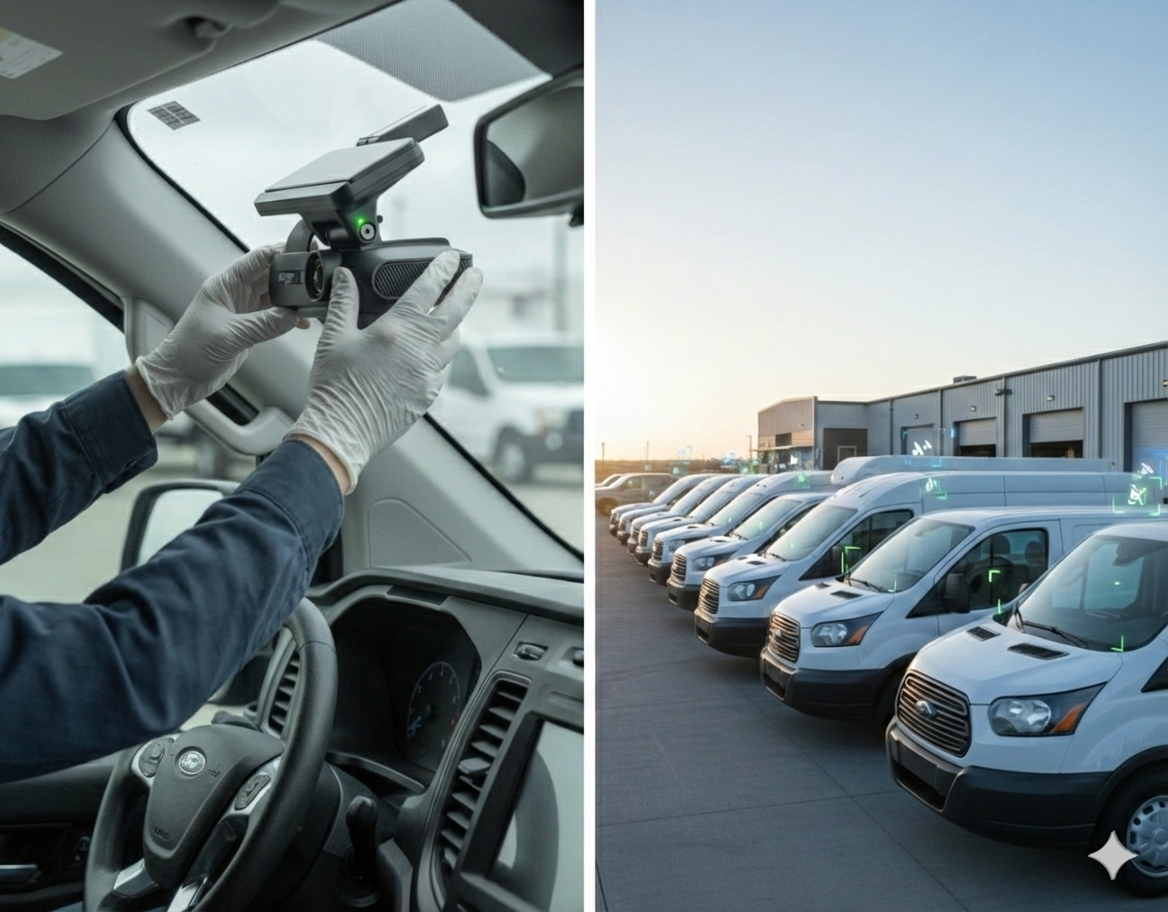
Hardwire installations are the gold standard for fleet dash cam setups. Direct connection to the vehicle's fuse panel ensures continuous power for parking mode, incident buffering, and GPS tracking when the ignition is off. Use add-a-fuse taps or dedicated fuse slots rated for the camera's amperage draw (typically 1–3 amps for dual-camera AI systems).
Ignition-switched wiring turns cameras on and off with the vehicle, reducing battery drain but sacrificing parking-mode recording and 24/7 event capture. This works for fleets focused only on drive-time incidents but misses vandalism, theft, and after-hours collisions that matter for insurance claims.
Battery management is critical in-service trucks with high auxiliary loads. If vehicles regularly sit for days between dispatch or undertake frequent short trips, install voltage monitors or battery isolators to prevent the dash cam from draining power from the starter. A municipal fleet in Colorado added low-voltage cutoffs after three jump-starts in the first week.
Cable routing should avoid pinch points, door hinges, and high-heat zones near exhaust or engine compartments. Secure cables with zip ties or conduit along existing harnesses, not loose across the cabin floor where drivers will trip or accidentally disconnect plugs. Rear-camera wiring in cargo vans and box trucks often requires drilling through the firewall or headliner—plan for professional installation unless in-house techs have experience with body work.
Test every connection before closing up panels. Confirm cameras power on, record test footage, and sync GPS location data. Check that live-view and cloud upload work on cellular networks, not just company Wi-Fi.
Testing Protocols: Validate the System Before It Hits the Road
Installation is complete when the camera works in real operating conditions, not when the mount is screwed in.
Conduct field testing with actual drivers:
- Drive a test route that includes highway merging, urban intersections, and the type of low-speed maneuvering (backing, tight turns) common in daily operations.
- Trigger test events. Hard braking, sharp turns, and lane changes should generate alerts and uploadable video clips. Confirm footage quality in bright sun, rain, and nighttime conditions.
- Validate driver alerts. If the AI system includes in-cab audio alerts for distraction or following distance, confirm they're audible but not disruptive during normal driving.
- Check video retrieval speed. How long does it take to pull footage after a reported incident? Can dispatch access clips without contacting IT?
A last-mile delivery company discovered their cameras weren't uploading footage from rural routes because cellular dead zones exceeded the buffer window. They adjusted settings to cache video locally until vehicles returned to coverage areas.
Driver Communication: Installation Success Depends on Trust
Drivers who understand why cameras exist are far less likely to disable, cover, or "accidentally" disconnect them.
Before installation day:
- Explain the business case clearly. AI dash cams protect drivers from false claims, reduce accident costs, and help stabilize insurance premiums. They're not surveillance tools to micromanage break times.
- Show sample footage. Let drivers see what the camera captures and what it doesn't. Address privacy concerns directly.
- Outline the coaching process. How will footage be reviewed? Who sees it? What triggers a conversation versus automatic feedback?
During installation:
- Allow drivers to ask questions about placement, recording triggers, and data access.
- Provide a simple one-page guide: how to know the camera is working, what the LED indicators mean, and who to contact if something seems wrong.
Maintenance Schedule: Keep Cameras Working After the First Month
Dash cams aren't install-and-forget devices. Vibration loosens mounts. Lenses accumulate road film. Software updates add new AI detection features.
Establish a 90-day check-in:
- Inspect camera mounts for loosening or windshield adhesive failure.
- Clean lenses and check for obstructions (stickers, hanging items, sun damage).
- Review upload success rates—cameras that aren't syncing footage are effectively offline.
- Update firmware to capture the latest AI improvements and bug fixes.
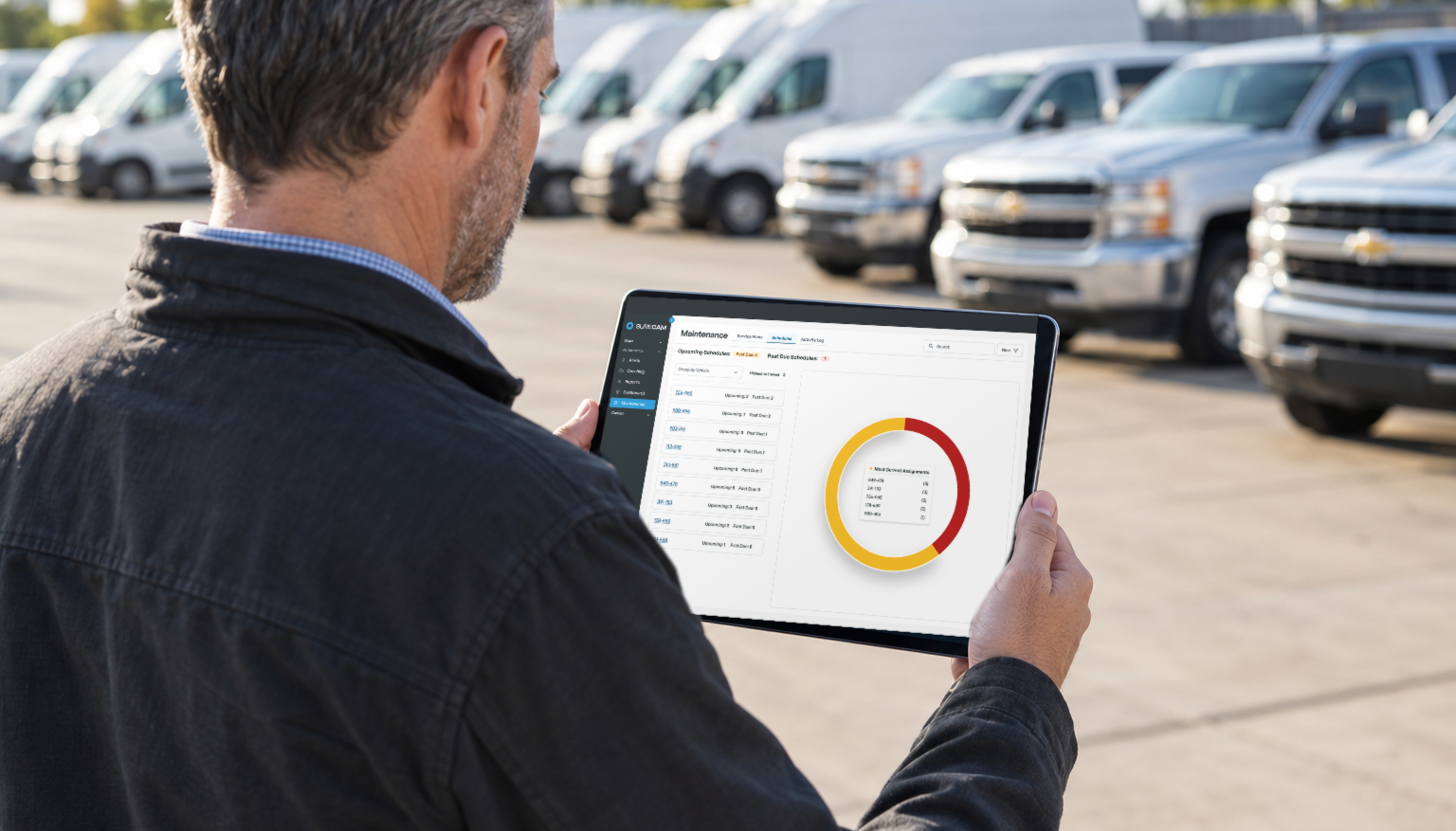
Assign accountability. In small fleets, this might be the safety manager. In larger operations, build camera checks into existing preventive maintenance schedules so technicians inspect dash cams alongside oil changes and tire rotations.
Avoiding the Hidden Pitfalls That Stall Programs
Even well-planned installations hit roadblocks. The most common:
Overloading dispatch with alerts. If every hard brake or lane drift generates a notification, teams stop reviewing footage. Tune sensitivity settings during the first 30 days to match actual driving conditions.
Ignoring driver feedback. When drivers report cameras that reboot randomly or miss events, investigate immediately. Small technical issues compound into distrust.
Failing to integrate with claims workflows. Cameras only reduce claims costs if adjusters and insurance partners can access footage quickly. Confirm video retrieval integrates with existing incident reporting.
The SureCam Standard: All Fleets Deserve Enterprise-Grade Execution
The difference between a dash cam program that delivers ROI and one that becomes shelf-ware often comes down to installation planning. Mid-sized fleets that are running mixed vehicles, balancing driver relations, and managing tight budgets can't afford trial-and-error rollouts.
The best fleet dash cam installation combines vehicle-specific planning, professional-grade wiring, real-world testing, transparent driver communication, and ongoing maintenance. When cameras work reliably from day one, they prevent crashes, resolve claims faster, and turn safety from a compliance checkbox into a competitive advantage.
That's the difference between buying technology and building a program.