
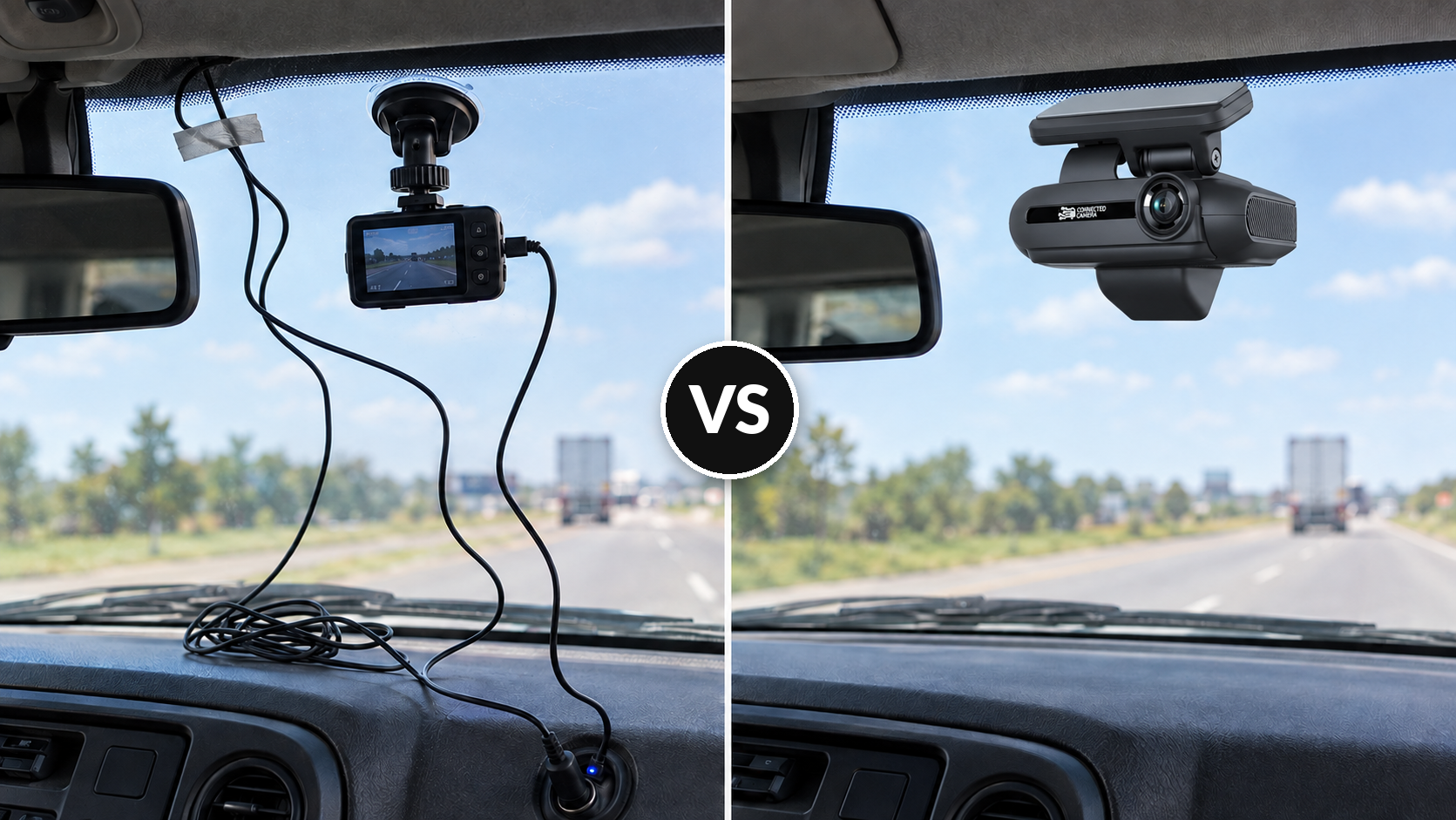
Commercial vs. Consumer Dash Cams for Fleets: 2026 Guide
20 Oct 2026
driver coaching


Improve fleet safety, reduce operating costs, and optimize field performance with an easy-to-use platform for video, GPS tracking, driver coaching, maintenance, asset tracking, and real-time fleet insights.
Drive your total fleet operations with SureCam’s all-in-one video telematics solution.
Valuable guides, case studies, and videos to help you optimize fleet management, safety, and productivity with telematics solutions.
Values, job opportunities, and ways to connect or partner with SureCam.
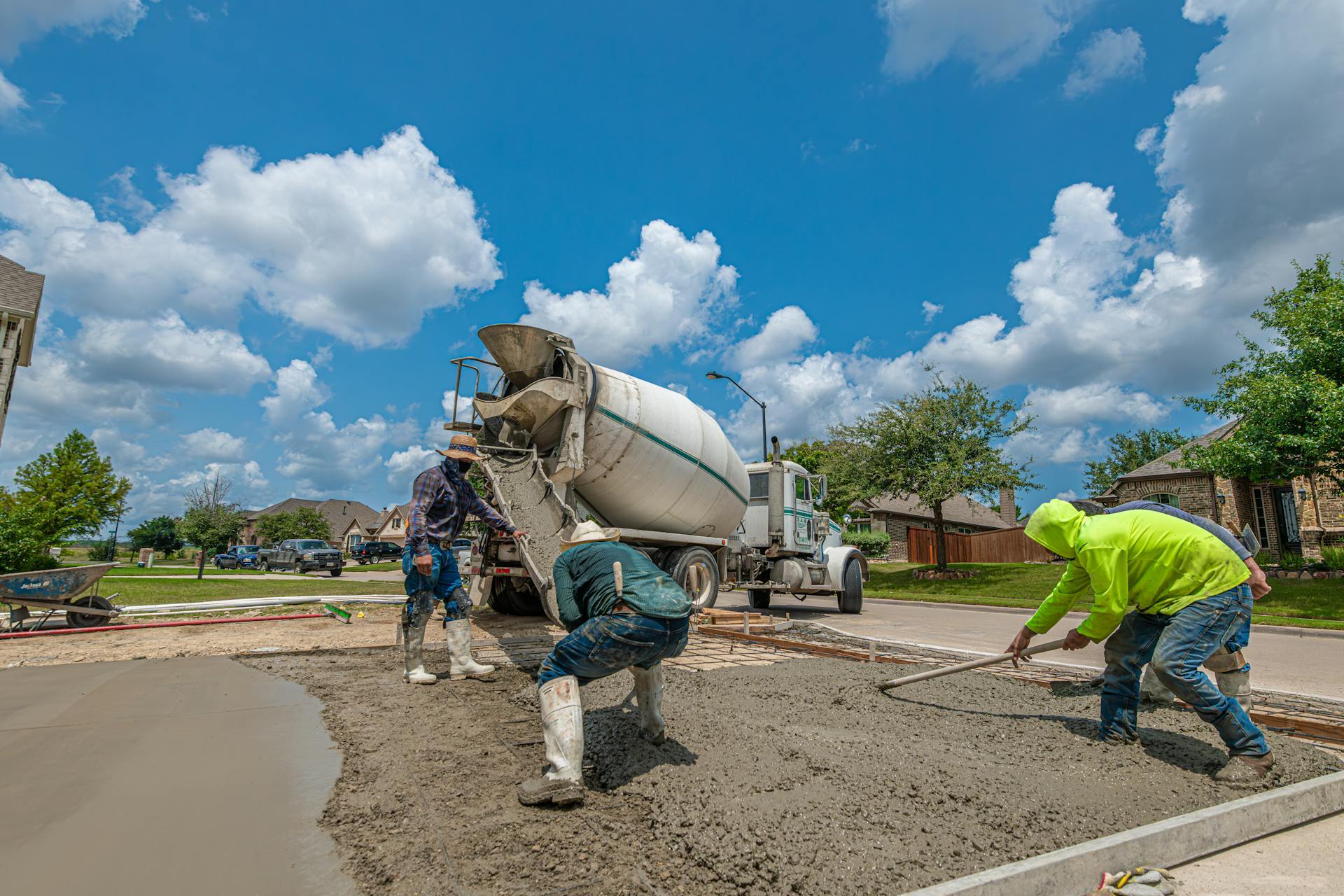




Construction fleets demand different hardware than standard delivery or service routes. Mixer trucks, dump trucks, and heavy equipment endure constant vibration, temperature swings, mud, dust, and sun exposure. An off-the-shelf retail dash cam will fail within months under these conditions. Equipment-grade hardware built to withstand commercial environments becomes essential.
Construction fleets also operate in unpredictable connectivity zones. Job sites shift. Remote locations lack stable cellular coverage. Vehicles may park for days with intermittent power. A dash cam solution that works for urban parcel delivery won't serve a fleet managing multiple job sites across a region. The hardware and connectivity strategy must account for these realities.
This guide walks fleet managers, equipment managers, and IT/ops leaders through the hardware specs, mounting considerations, and connectivity options that actually work in construction environments.
IP (Ingress Protection) ratings measure how well a device resists dust and water intrusion. The number comes in two parts: dust protection (first digit) and water protection (second digit). For construction equipment, aim for IP67 or higher.
An IP67-rated camera handles complete dust immersion and can survive 30 minutes in up to 1 meter of water. For a concrete pump truck or excavator operating on muddy job sites, this rating prevents water ingress from high-pressure washdowns and standing water. An IP69 rating on your fleet cameras adds protection against high-temperature, high-pressure washdowns that some fleet managers use to clean equipment between jobs.
Retail dash cams typically carry IP54 or IP55 ratings. Adequate for passenger vehicles? Yes. Sufficient for a dump truck in a quarry? No.
Construction equipment operates across temperature extremes. Desert heat exceeds 50°C (122°F). Winter projects in northern states drop below -20°C (-4°F). Solder on circuit boards cracks during thermal cycling. Plastics become brittle or warp.
Commercial-grade hardware specifies operating ranges from -10°C to 50°C (14°F to 122°F) or better. If your fleet operates in extreme climates, verify the storage temperature range separately from operational range: stored equipment may face even wider swings.
Dump trucks bounce over unpaved job sites. Heavy equipment trailers absorb constant road vibration. Loose fasteners work themselves free. Solder joints fracture. Lens alignment drifts.
Look for hardware specifying vibration testing to EN 60068-2-6 standards or equivalent. This measures the device's survival through prolonged, multi-direction vibration. Commercial dash cams for construction fleets undergo this testing; retail models do not. Shock resistance (sudden impacts during installation, accidents, or road conditions) matters equally. A camera rated for commercial deployment includes shock testing data.
Construction job sites include indoor spaces, tunnels, and low-light conditions. Parking lots at dawn and dusk. Heavy equipment that operates at night.
Newer commercial cameras use advanced optics that perform in conditions where retail models struggle. Look for specs mentioning HDR (High Dynamic Range), which handles high-contrast scenes like sun glare off reflective surfaces combined with shadows. Infrared or low-light sensors matter for interior equipment shots and evening operations.
A camera body built to IP67 with a weak optical path loses the advantage. Ensure the lens and sensor combination carries the same commercial pedigree as the housing.
Standard windshield mounting works for most fleet vehicles. For heavy construction equipment, it often falls short. Excavators, loaders, and cranes lack traditional windshields. Dump trucks sit higher, with blind spots that require creative positioning.
For equipment with cabs, position the forward-facing camera high on the windshield, centered, to capture the operating area and road ahead. Secure the mounting plate with the adhesive tape recommended by the manufacturer, and ensure the adhesive is rated for the temperature extremes your fleet encounters. Some construction environments require mechanical fastening (small brackets) in addition to adhesive for long-term durability.
Backing incidents and blind spot collisions account for a significant third-party claims. For dump trucks making frequent reverse movements, a rear-facing camera captures what the driver cannot see. For articulated equipment like concrete mixer trucks, side cameras document load status, forklift interactions at job sites, and adjacent traffic.
Install rear cameras on the truck body or trailer, not the bumper. A bumper-mounted camera may catch debris or get damaged during backing up to a loading dock. Position the camera to capture both the truck's immediate rear area and 10–15 meters behind, allowing drivers to respond to approaching vehicles or personnel.
Side cameras mount along the cargo area or flatbed edge. For equipment where load documentation matters (concrete mixer, material trucks), side cameras capture forklift placement and any damage during loading or unloading.
Heavy equipment often lacks conventional mounting points. A cable that runs along the frame between an excavator cab and the engine block needs protection from pinching, heat, and moving parts. Mounting brackets should include protective conduit, secured fasteners, and strain relief where cables enter the camera housing.
Consider vibration-damping mounts for equipment with exceptionally rough ride characteristics. A rubber or elastomer pad between the mounting bracket and the equipment frame absorbs micro-vibrations that, over months, can loosen standard fasteners or degrade solder joints.
For dump trucks with rotating cabs, ensure any camera wiring routes flexibly and accounts for the cab's range of motion. A taut cable will snap the first time the cab rotates.
Network-connected dash cams transmit video over cellular data (LTE, 4G, or 5G). This provides real-time alerts, on-demand video access, and cloud storage without requiring the driver to manually offload SD cards.
For construction fleets with job sites across a region, cellular connectivity eliminates a major operational burden. A mixer truck at a distant pour site automatically uploads incident footage rather than requiring the driver to physically retrieve the SD card, transfer the file, and reinstall the card on return to the yard. This reduces admin overhead and the risk of lost or damaged footage.
Cellular connectivity requires active SIM cards with data plans. Budget for data consumption: a standard HD dash cam recording continuously uses roughly 200–500 MB per day depending on resolution and compression. A 75-truck fleet recording 6 hours per day consumes substantial data costs. Most commercial plans bundle unlimited or high-capacity data into the monthly subscription, making per-camera or per-gigabyte accounting straightforward.
Coverage remains the limiting factor in remote construction zones. Some job sites, particularly in mountainous regions, deserts, or rural areas, have no cellular service or only sporadic coverage. Verify coverage maps with carriers before deploying cameras to remote yards.
WiFi-connected cameras require a hotspot or site WiFi network to upload footage. This works when equipment parks near an office trailer with a hotspot or when the job site has internet access, but not during active operations or travel.
WiFi suits yards and staging areas where equipment sits overnight. A trailer-mounted WiFi hotspot at the job site yard allows cameras to upload footage when vehicles return, reducing reliance on cellular for that operation. However, WiFi is not a substitute for cellular on active routes or long-haul moves between sites.
Modern commercial systems combine both. Cameras stream incident footage over cellular when available, but also opportunistically upload to cloud storage via WiFi whenever they connect. This hybrid approach maximizes data offload efficiency and reduces cellular data consumption for non-critical recording.
A concrete mixer truck with a hybrid system transmits real-time alerts of harsh braking or collisions over cellular while traveling. When it returns to the yard or an office with WiFi, it batches uploads of continuous recording from the day. This strategy keeps immediate alerts (which require only small event data) on cellular and relegates large continuous video to lower-cost uploads.
In coverage gaps, cameras store footage on local SD cards. When connectivity resumes, they automatically sync to cloud storage. This means a fleet operating in areas with intermittent coverage needs:
For remote job sites with consistently poor coverage, plan to retrieve footage periodically during return visits to the main yard. A dock with hardwired internet or a data-offload station allows direct camera connection for bulk transfers without relying on site cellular.
Construction equipment operates on unpredictable schedules. An excavator may run continuously during a dig phase, then park idle for days. A dump truck makes multiple runs, each separated by loading and travel time. Continuous power from the vehicle battery is not reliable.
Hardwired installation directly to the vehicle's 12V or 24V electrical system works for equipment that operates regularly. Concrete mixers and dump trucks typically run during working hours and park at night. A hardwired camera records whenever ignition is on, and the vehicle's electrical system manages the camera's power draw.
For equipment with intermittent use (seasonal equipment, backup vehicles, or project-specific deployments), hardwiring creates battery drain concerns. A dash cam consuming 500mA continuously will drain a truck battery in days if the vehicle sits idle. In these cases, use SD-card-only cameras with manual power management, or plan to disconnect the camera's power when the vehicle parks long-term.
When hardwiring a camera, connect it to three circuits:
ACC wiring allows the camera to record only when the ignition is on or within a short window after shutdown, conserving battery for the vehicle's starter and other critical systems.
For equipment in harsh environments, request secondary trigger options. Some systems allow external sensors (moisture, pressure, motion) to trigger recording independently of ignition. This suits equipment operated with ignition off (hydraulic systems) or equipment in stationary positions where motion detection matters.
For high-value incidents, some fleets use capacitor-backed systems. A large capacitor stores enough energy to complete the current video recording and upload buffer if power suddenly cuts (accident, battery disconnect). This ensures the incident footage isn't lost due to abrupt power loss.
This option adds cost and complexity, but it matters for dump trucks hauling high-value loads, where a collision or theft immediately followed by power loss could occur.
Construction yards experience frequent damage claims: forklift hits a concrete mixer, a reversing truck clips a parked equipment trailer, or a load shifts during positioning. Yard-based incidents rarely involve third-party witnesses or police reports. Video becomes the only evidence.
Position cameras to document the yard loading zone. A side-facing camera on a mixer truck captures the forklift operator's approach, placement, and any contact with the truck body or chute. Rear cameras document the truck's position and the positioning of other equipment. Together, they create a complete record of any incident during loading.
For stationary yard equipment (concrete pump, crane), consider a dedicated fixed camera mounted on a nearby pole or trailer. This captures activity in the equipment's immediate area without relying on vehicle cameras, documenting unauthorized use, theft, or damage when vehicles aren't present.
Dust and mud coat lenses quickly in construction environments. A camera with a dirty lens captures unusable footage. Implement a lens cleaning protocol: daily wipes with a microfiber cloth during yard checks, and more frequent cleaning in high-dust conditions.
Consider camera housings with protective covers or shutters that close over the lens when the vehicle parks. Some commercial systems use automated lens heaters that prevent condensation and reduce mud adhesion.
For equipment operating in severe dust conditions (aggregate quarries, concrete batch plants), install cameras in sealed enclosures with optical windows. A secondary polycarbonate lens protects the primary optics and can be replaced cheaply when pitted by abrasion.
If equipment parks at the same job site for weeks, continuous recording of the equipment yard protects against theft and vandalism during off-hours. A camera on a power-managed schedule (e.g., record every 15 minutes during night hours, rather than continuous) reduces data storage needs while capturing significant events.
Some platforms integrate motion detection for stationary equipment. The camera remains on standby and only records when motion is detected near the vehicle. This approach conserves storage and power while catching unexpected activity.
Before rolling out dash cams across a heavy equipment fleet, validate hardware and connectivity in your actual operating environment.
Test in live conditions: Park vehicles at primary job sites and verify cellular coverage. Confirm upload speeds and data rates during typical operations. A coverage map is not a substitute for real-world testing; terrain, structures, and local interference affect actual performance.
Validate power draw: Verify that hardwired systems don't drain batteries during extended idle periods. Test the ignition-off draw (should drop to near zero within a few minutes of shutdown).
Confirm integration with equipment: If deploying to heavy equipment with non-standard cab designs, verify mounting points and cable routing before full rollout. One pilot truck catches problems before you install on 20 units.
Test offload workflows: For fleets with connectivity gaps, simulate a job site with no cellular and verify that SD cards offload correctly and that uploads resume when connectivity returns.
Review power and connectivity specs: Confirm all hardware carries the operating temperature and IP ratings your fleet requires. Document these specs in your procurement requirements so replacements and new equipment match the baseline.
Ready to explore how SureCam can help protect your crew and your yellow iron? Contact one of our fleet video telematics experts today.